Recruitment
The SODOO Recruitment module lets you publish open positions, collect applications and manage the whole recruitment process on a Kanban board.
What You Will Learn in This Section
- Creating a job position and posting
- Tracking and evaluating applications
- Planning interviews
- The hiring decision and onboarding
Overview
The SODOO Recruitment module lets you publish open positions, collect applications and manage the whole recruitment process on a Kanban board.
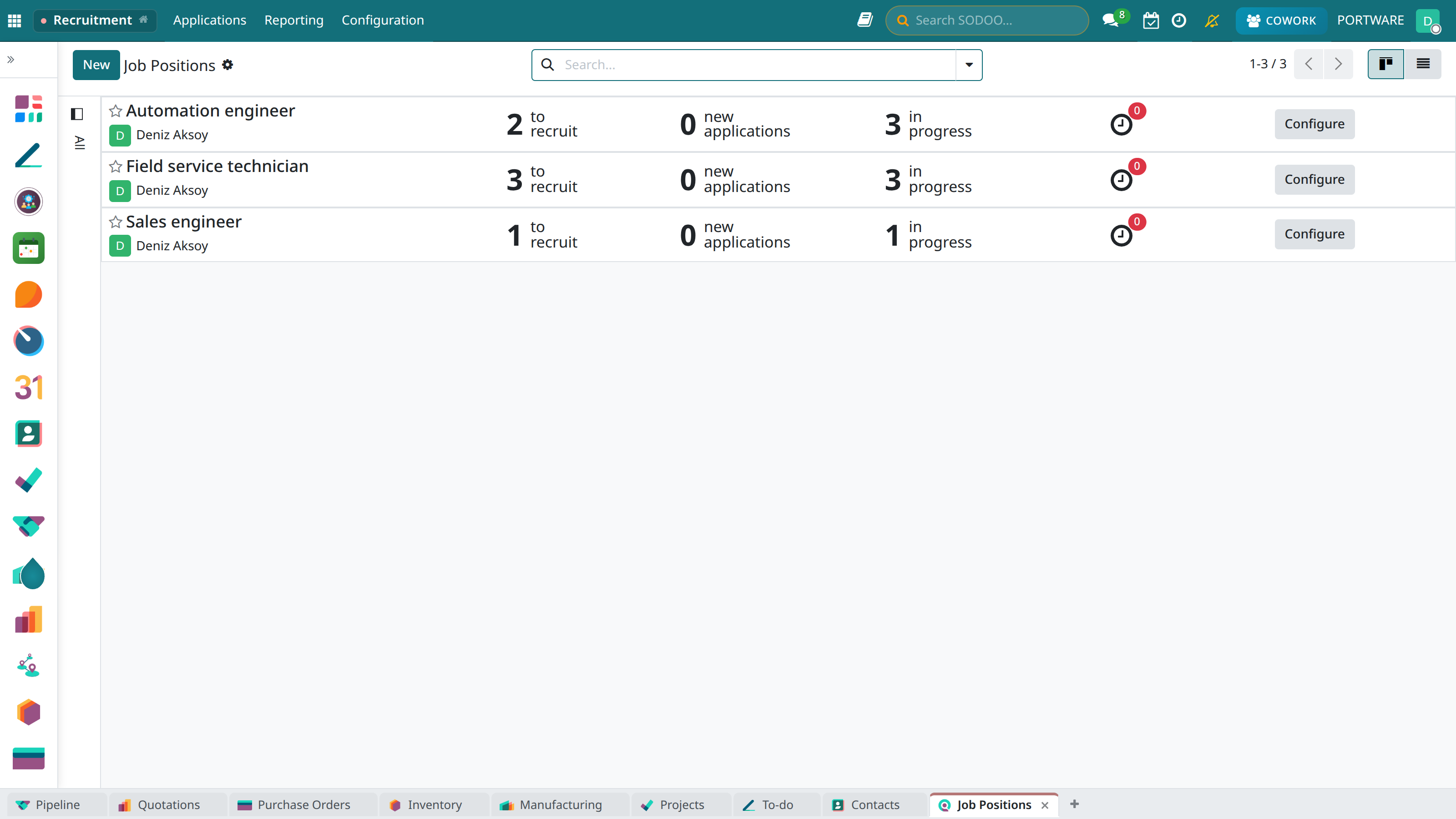
Recruitment - the candidate application tracking kanban view
Job Postings
Create postings to publish on the website or external platforms.
Application Management
Collect applications from e-mail, web forms or manual entry in one place.
Interview Planning
Create interview appointments with calendar integration.
Reporting
Recruitment metrics: time-to-hire, source analysis, conversion rates.
The Recruitment Pipeline
New Application
→
First Interview
→
Interview
→
Proposition
→
Hired
Creating a Job Position
- Go to the Recruitment → Job Positions → New menu
- Enter the position name (Software Developer, Sales Representative, etc.)
- Choose the department
- Set the number of employees sought
- Write the job description and requirements
- Enable the Publish on Website option
Application Management
Application Sources
- Website: The careers page form
- E-mail: CVs sent to jobs@company.com
- LinkedIn: Automatic retrieval through API integration
- Manual: Applications entered into the system by HR
Evaluating Applications
- Changing stages by drag and drop on the kanban board
- A star rating system
- Adding notes and comments
- Viewing the CV and attached documents
Interview Planning
- Click the Schedule Interview button on the candidate card
- Choose the interview type (Phone, Video, In person)
- Set the date and time
- Assign the interviewers
- An invitation e-mail is sent to the candidate automatically
The Hiring Decision
- A suitable candidate is moved to the "Offer" stage
- The salary offer and start date are set
- The offer letter is prepared and sent
- If the candidate accepts, they move to the "Hired" stage
- An HR record is opened with the Create Employee button
Website Integration
Working integrated with the SODOO Website module, a careers page is created automatically and applications flow straight into the system.