Lesson 5 · Projects, grants and funder reports
Analytic account, budget, expenses, report.
Goal of this lessonTo track each grant's or project's income, costs and budget separately and prepare the funder's report in one click.
Open the project
Open "Rural Reading Project" in Project; the project brings its own analytic account. The funder's periods and deliverables become tasks.
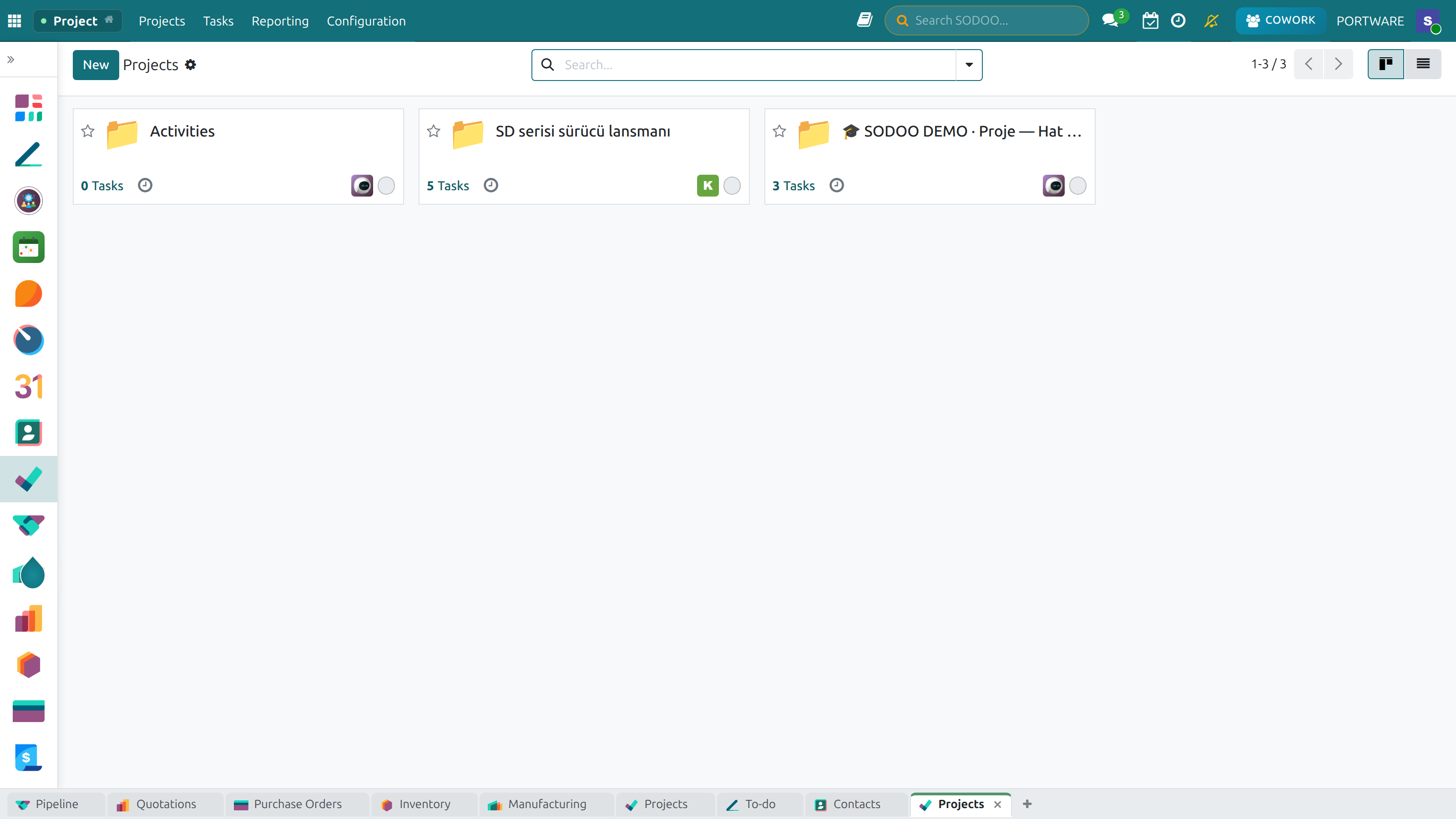
Projects: each grant and activity is a project card, with task and time counts on it.
Enter the budget
Enter the grant agreement's lines into the budget: books, transport, trainers, overheads.
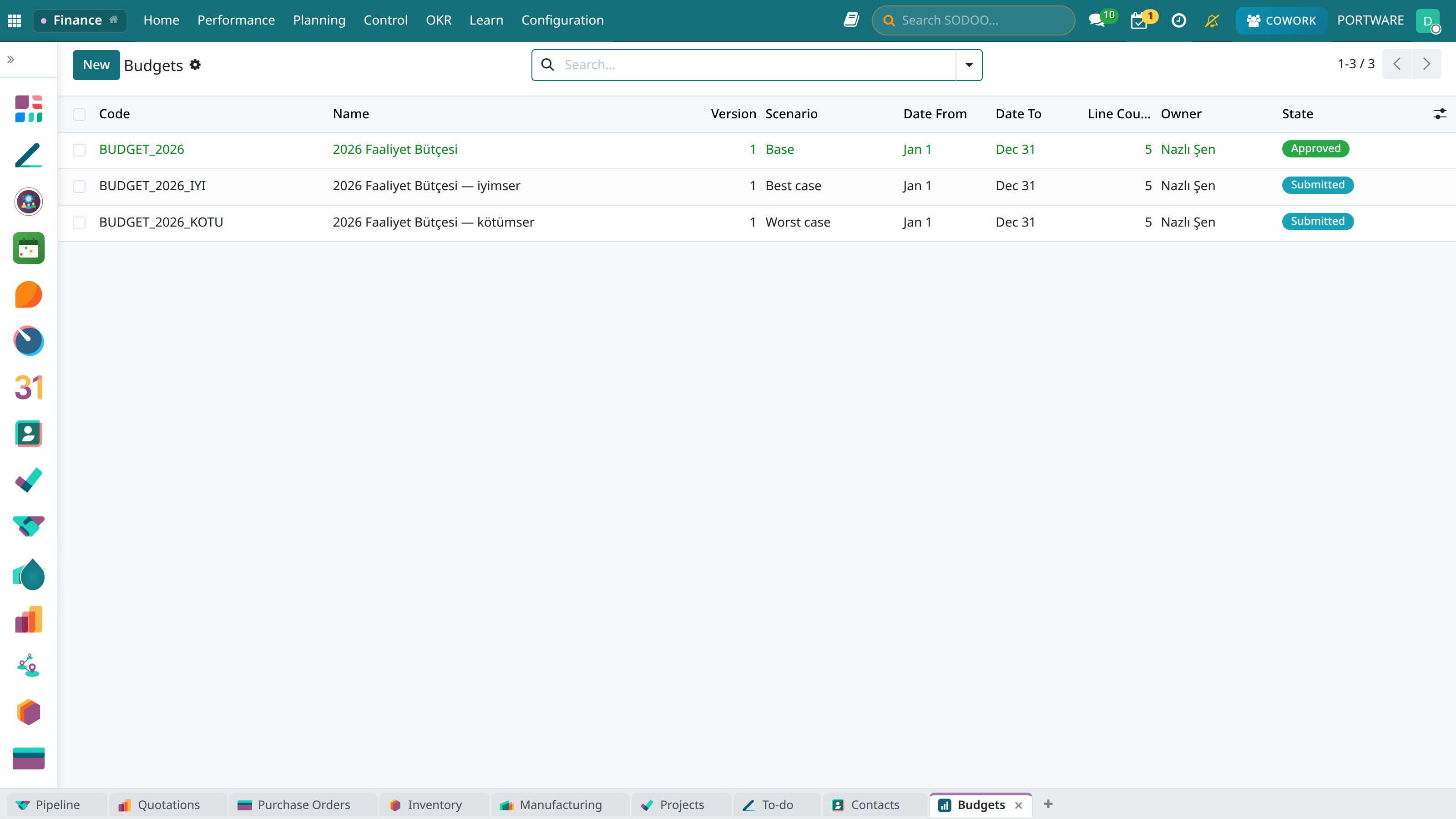
Budgets: each grant's budget and actual side by side.
Link spending to the project
When a bill, an expense or working time is entered, the project is chosen as the analytic account. The receipt photo goes on the expense.
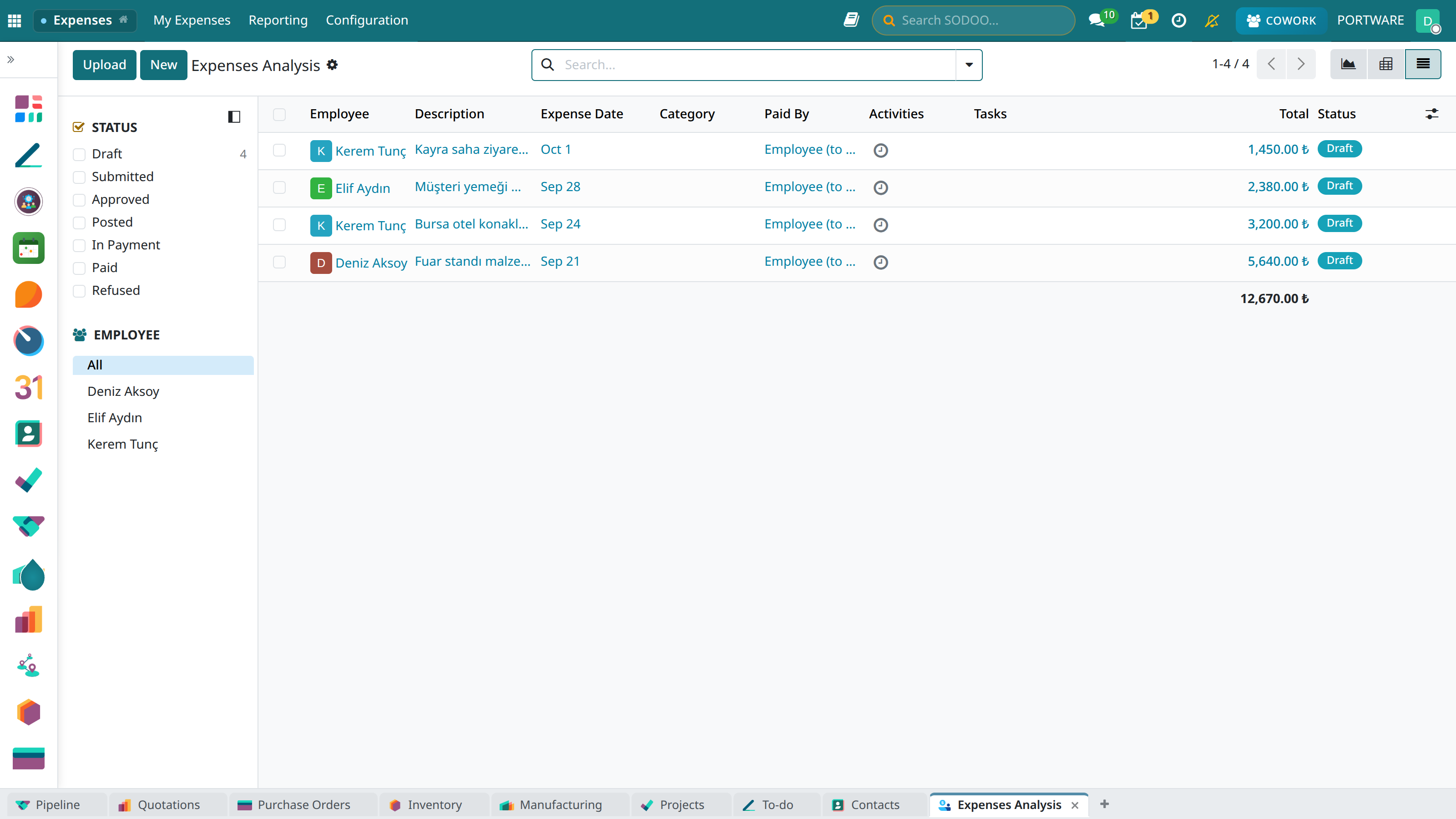
Expenses: each line is a receipt, with its project and approval state.
Get the report
Budget versus actual and income and expense come per project; receipts and bills stand behind the report as evidence.
Case: the interim report
- Requested
- A month-6 spending report, by line, with receipts.
- Time
- Three days before; now a filter and an export.