Contacts
The contacts module is SODOO
- Creating person and company records
- Contact categories and tagging
- Import/export operations
- Integration with other modules
Overview
The contacts module is SODOO's central address book. Manage your customers, vendors, employees and all other business contacts from one place. It integrates automatically with CRM, Sales, Accounting and other modules.
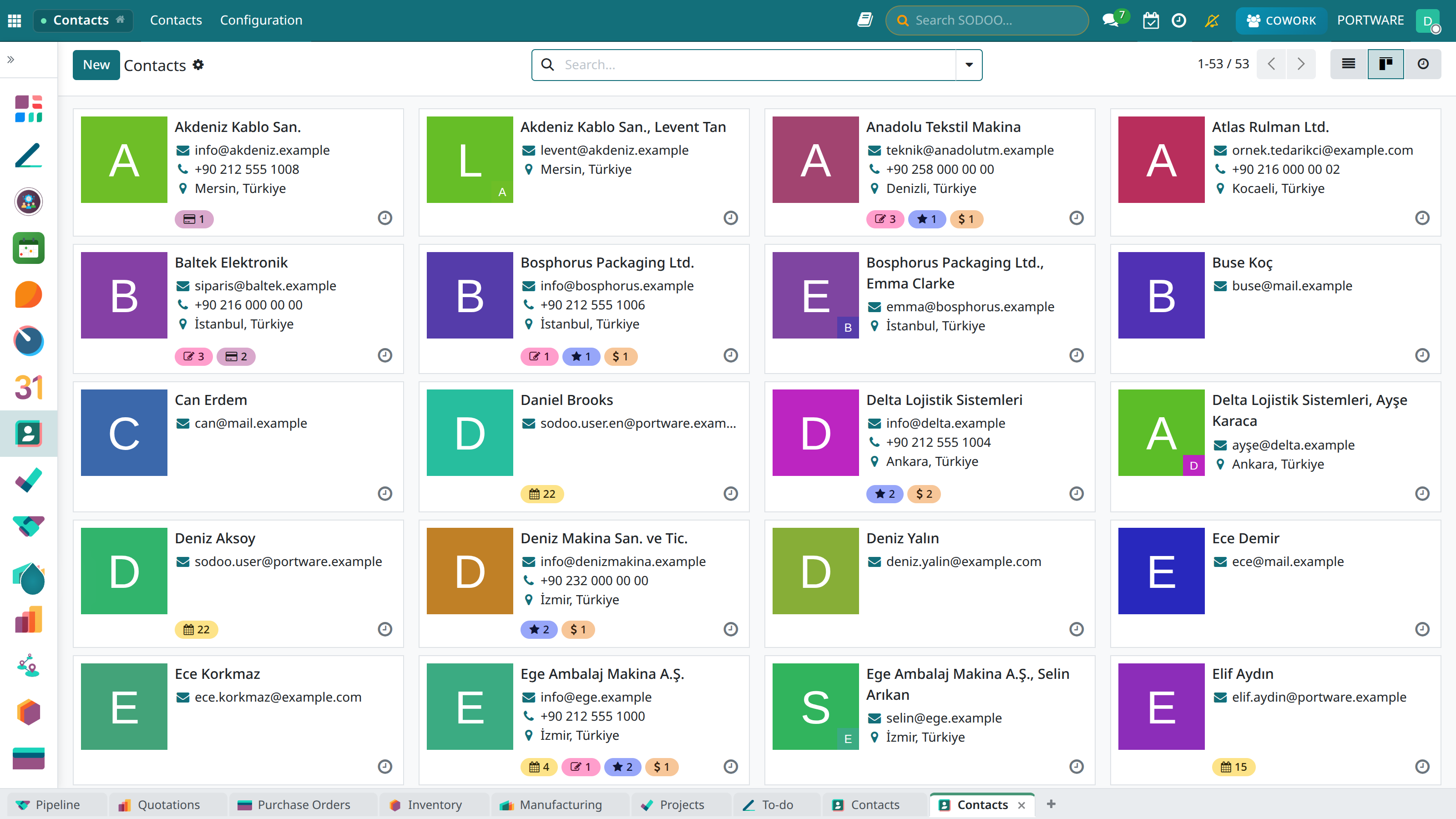
Contacts - the main view
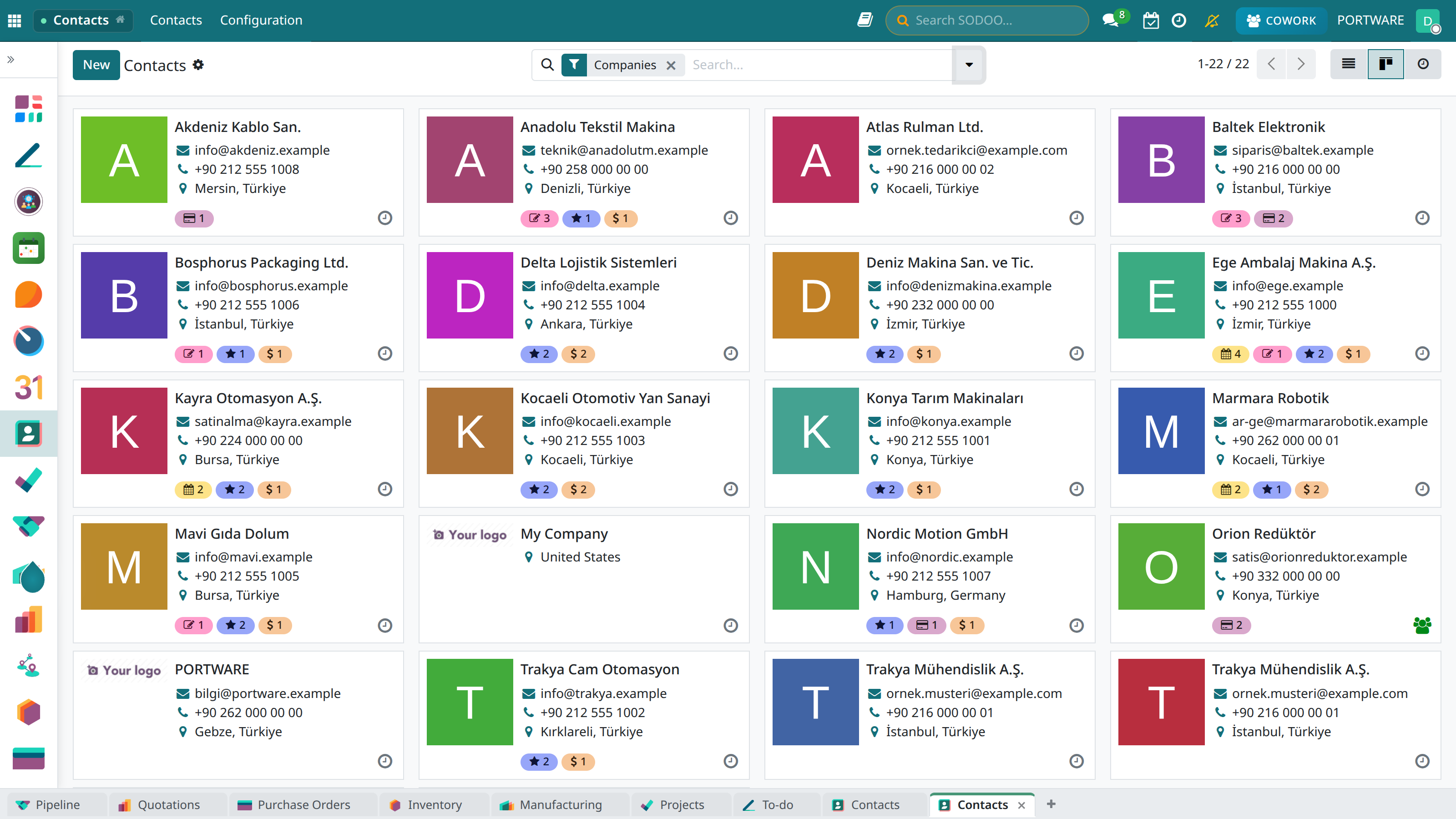
The Companies filter — company cards only; people are on their own company's card
Company & Person
Manage companies and the people under them in a hierarchical structure.
Categories
Classify and filter contacts with tags.
Automatic Sync
Automatic data sharing with CRM, Sales and Accounting.
Bulk Operations
Bulk import/export with Excel/CSV.
The Contact Card
Example Contact Record
Ahmet Yılmaz
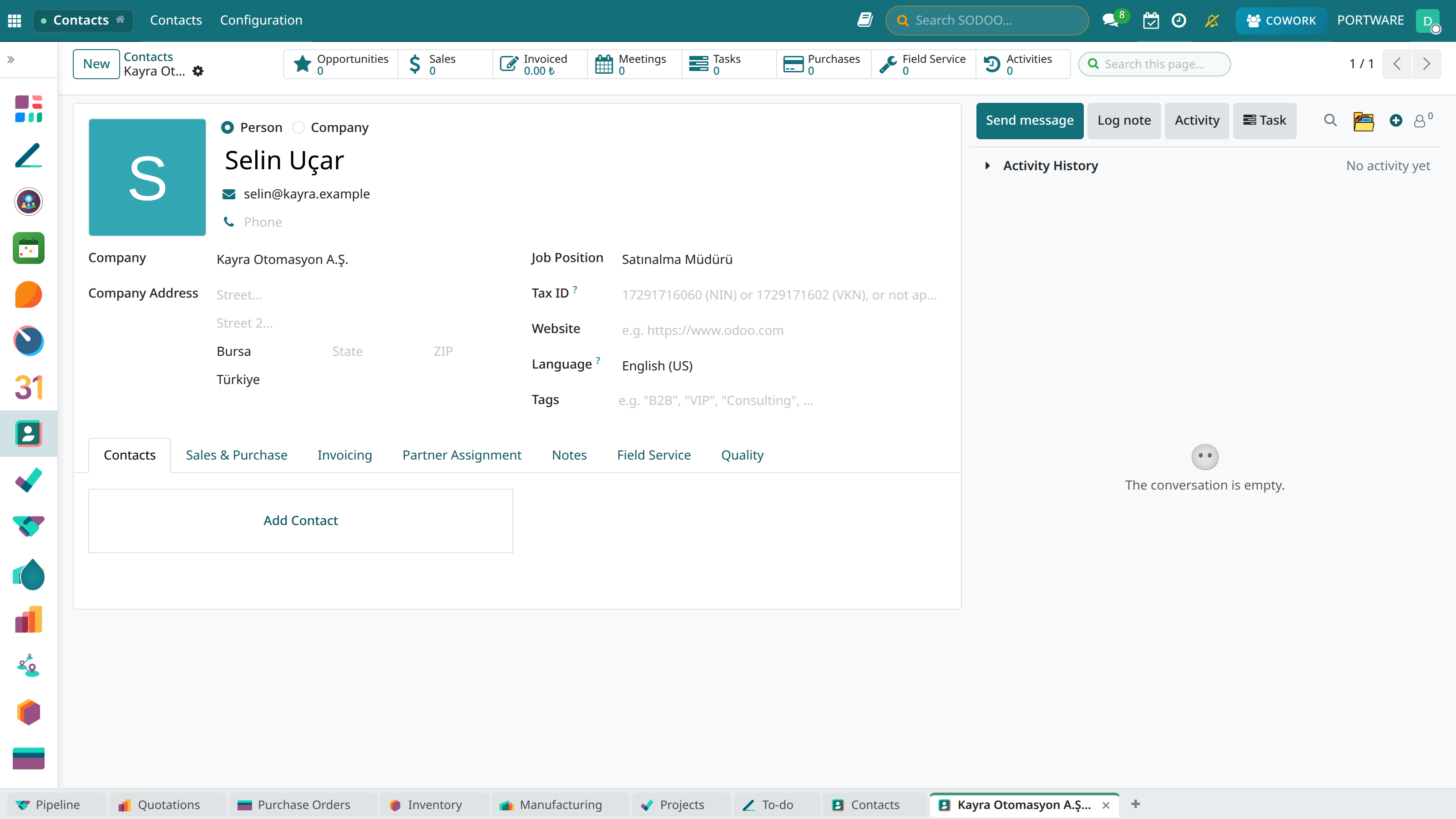
A person linked to a company — job title, e-mail and the company they belong to
Basic Information
- Type: Individual or Company
- Name / Company name: The person's or company's name
- Photo: Profile picture
- Job title: Position
- Parent company: The company they belong to (for people)
Contact Details
- E-mail: More than one e-mail address
- Phone: Mobile, work and fax numbers
- Address: Invoice and delivery addresses
- Website: The company's web address
- Social media: LinkedIn, Twitter profiles
Contact Detail Tabs
You can reach all related information through the various tabs on the contact card:
The Files tab - all documents belonging to the contact
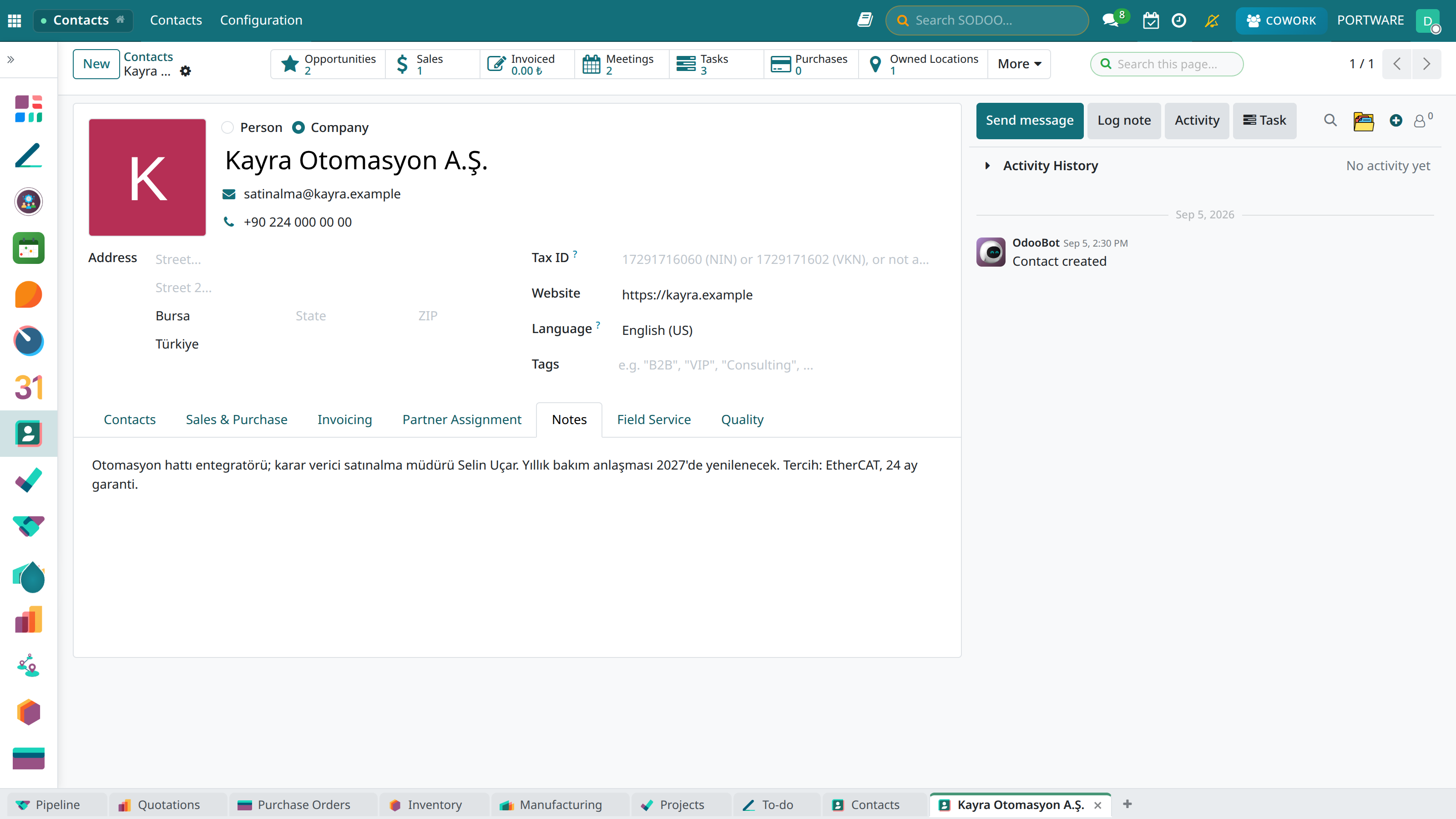
The Notes tab — decision maker, contract renewal date and preferences, for internal use only
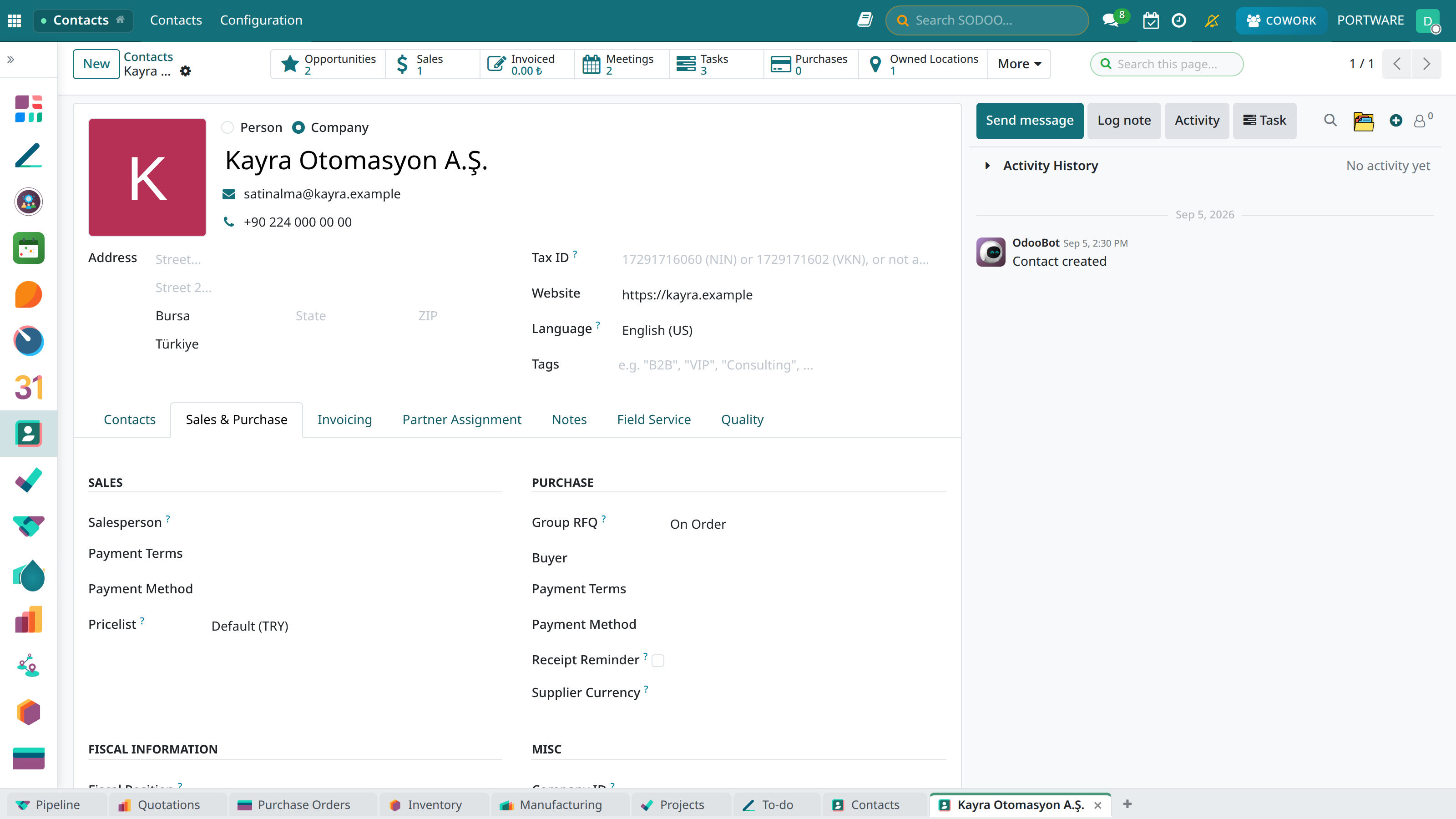
Sales & Purchase — salesperson, payment terms, pricelist and supply settings
Contact Types
Individual
Used for natural persons. Can be linked to a company or independent.
Company
Used for legal entities. Several person records can sit under it.
Related Contacts
- Customer: A person/company we sell to
- Vendor: A person/company we buy goods/services from
- Employee: Company staff
- Bank: Financial institutions
Demo Company Example
Let's look at all the features of a company record:
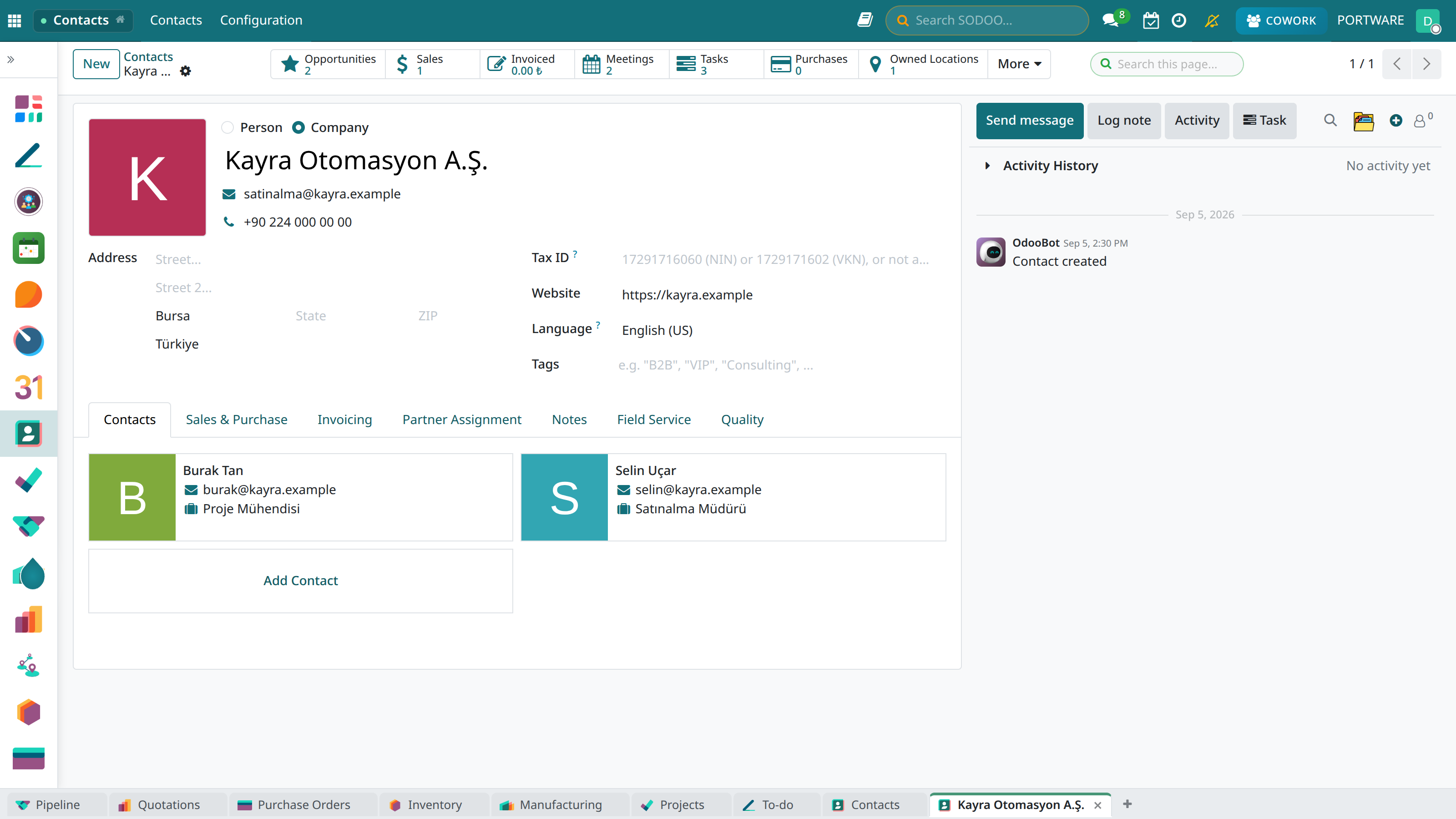
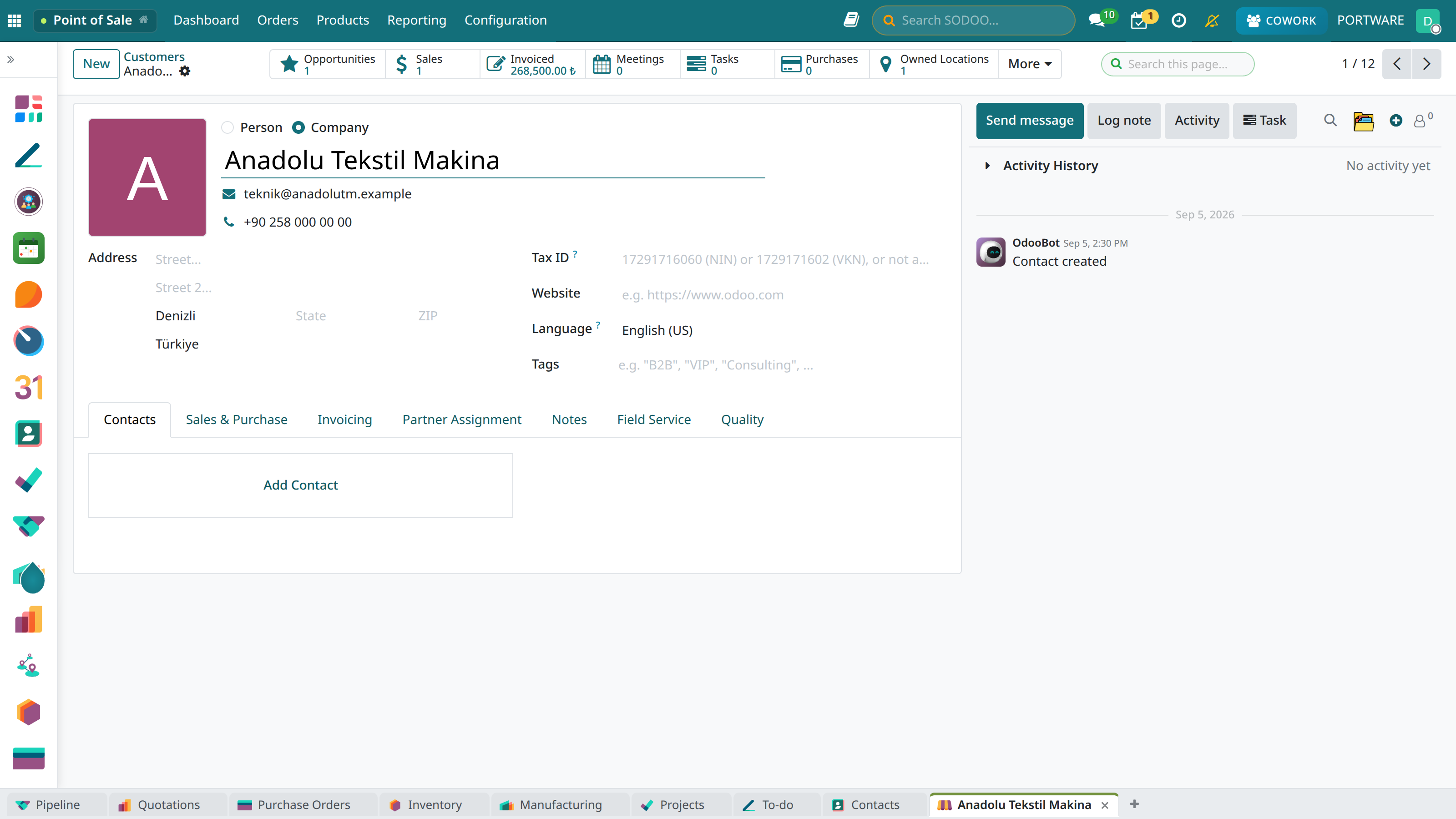
The company card — address, tax number, website; the company's people on the Contacts tab
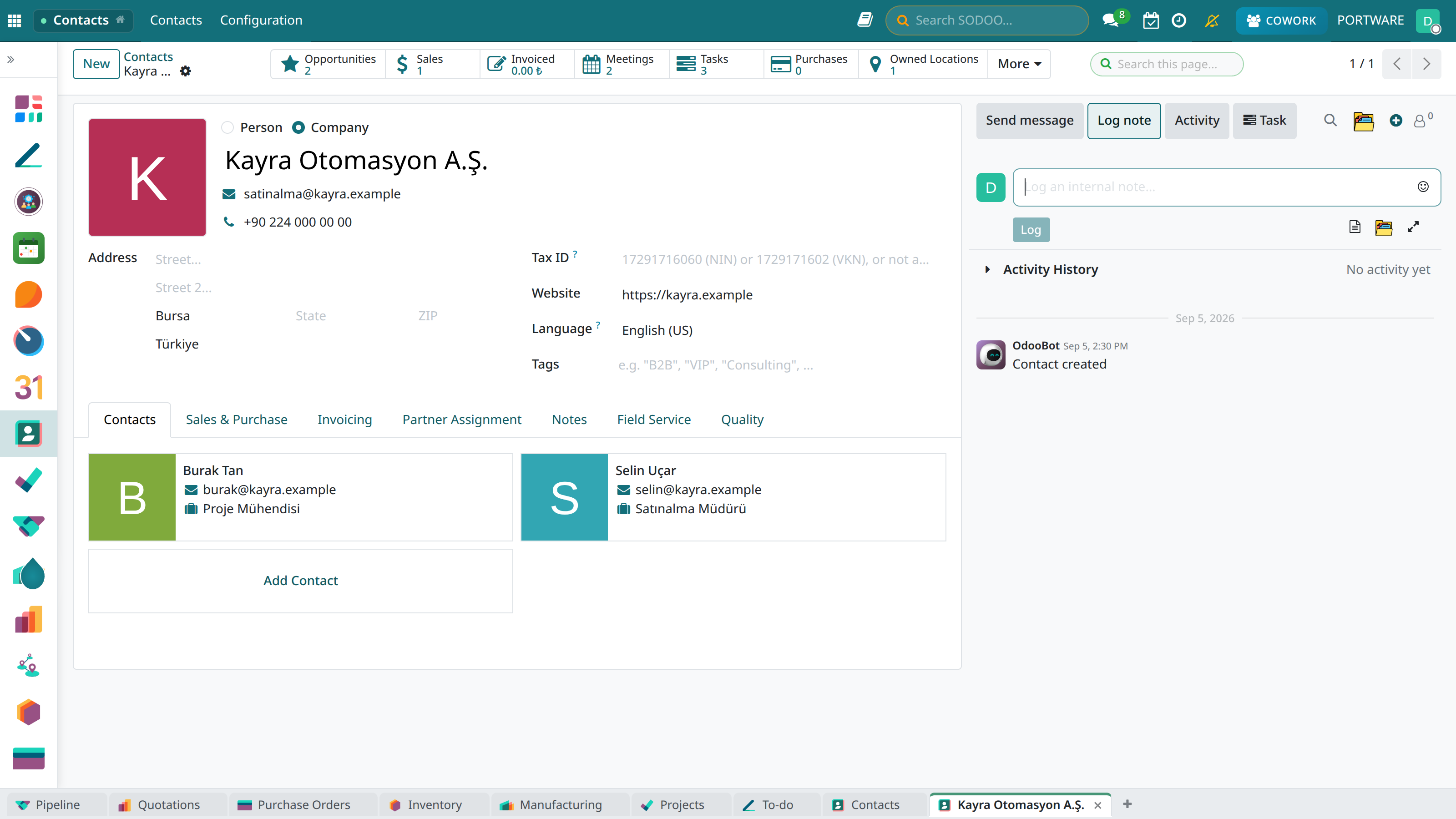
Add a Note — a note only the team sees is written to the record's stream
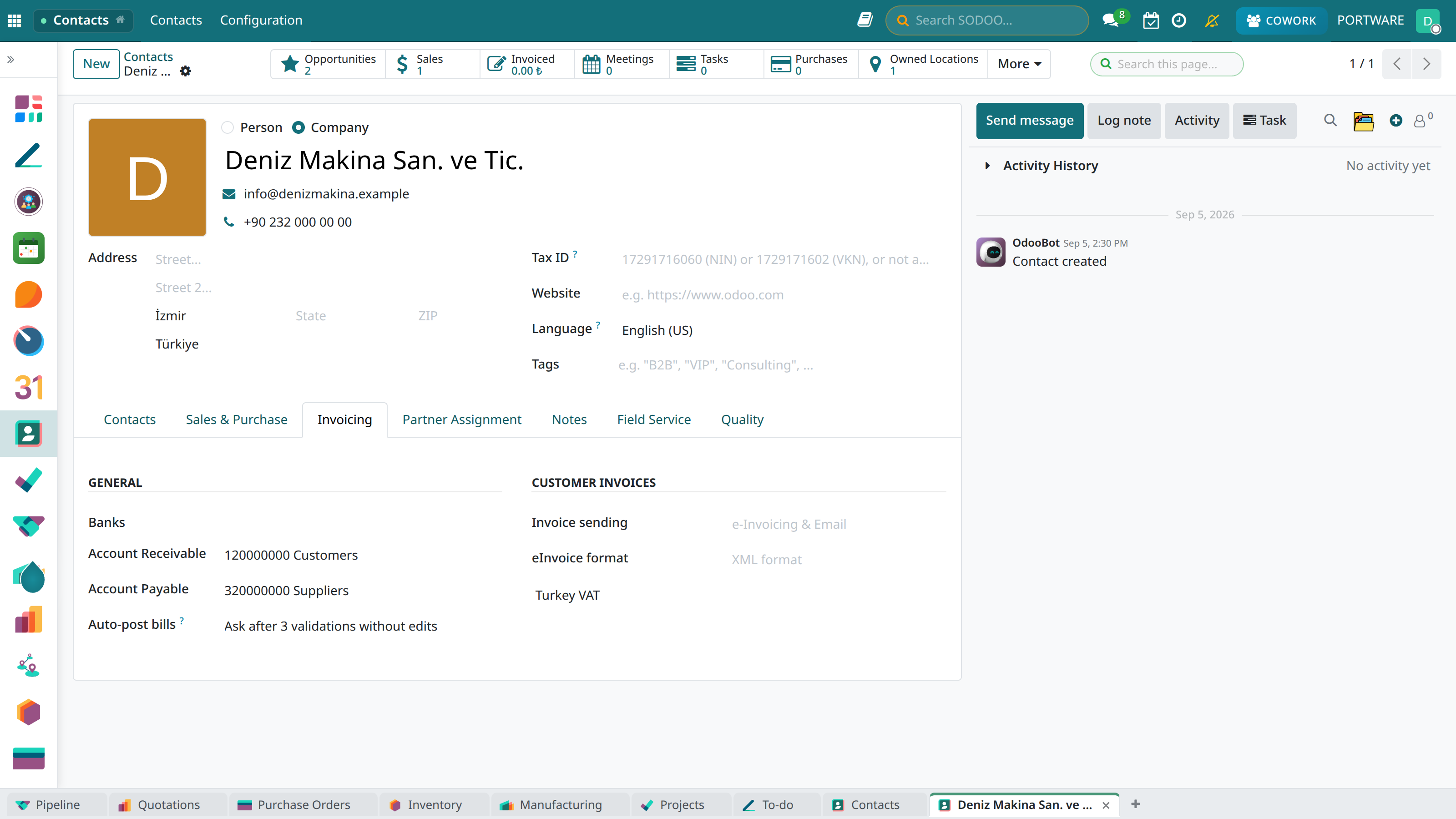
Invoicing — bank accounts, receivable/payable accounts and e-invoice preferences
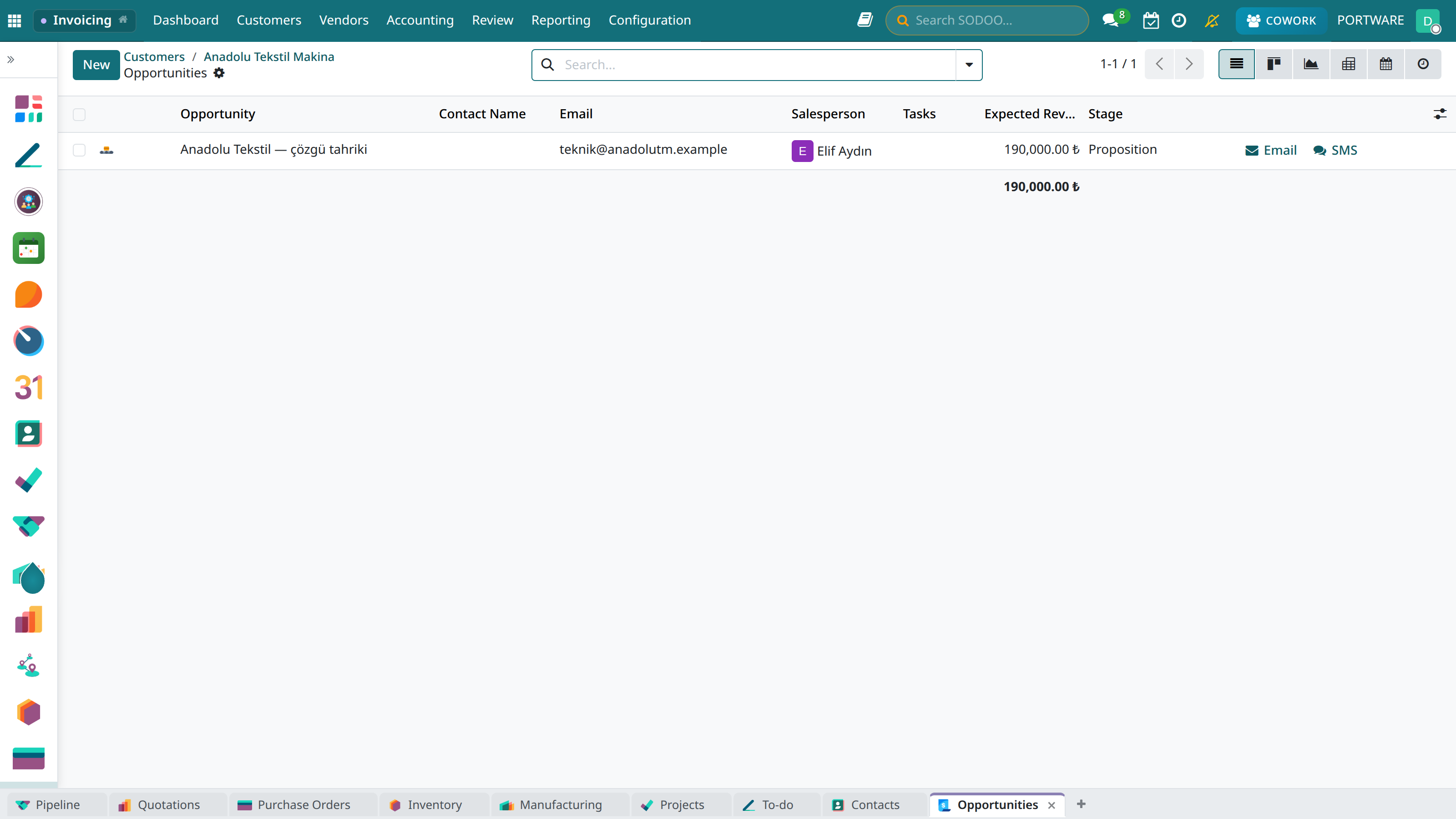
Demo company - CRM opportunities and sales potential
Categories and Tags
Creating a Category
- Contacts → Configuration → Contact Tags
- Click the New button
- Enter the tag name (e.g. "VIP Customer")
- Choose a colour
- Set the parent category (optional)
Example Category Structure
- Customer segment: VIP, Premium, Standard
- Sector: Technology, Health, Finance, Manufacturing
- Region: İstanbul, Ankara, İzmir, Other
- Source: Web, Trade fair, Referral, Advertising
Views and Filters
The contacts module offers various view options and powerful filtering:
List View
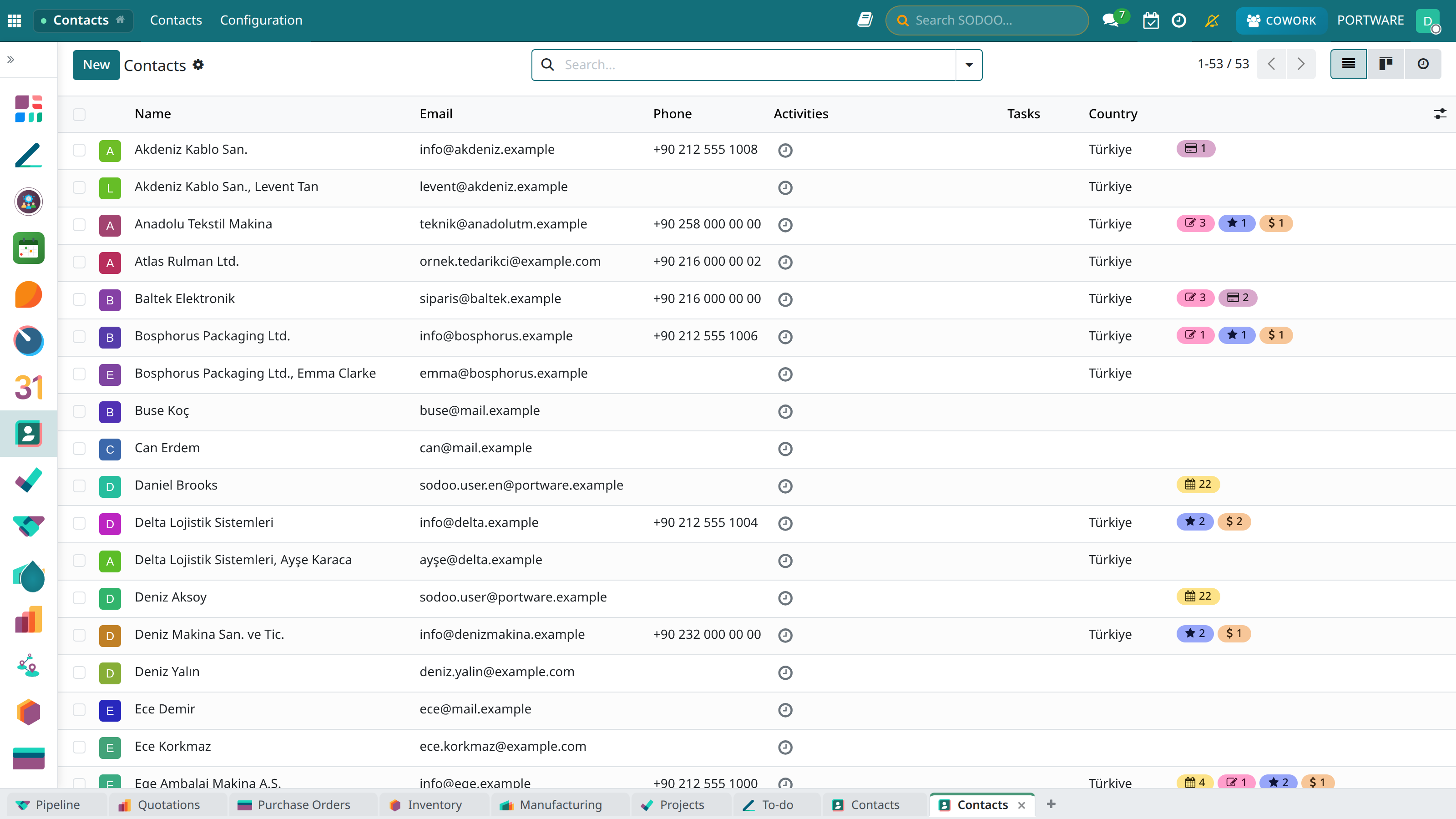
The list view - see all contacts in table format
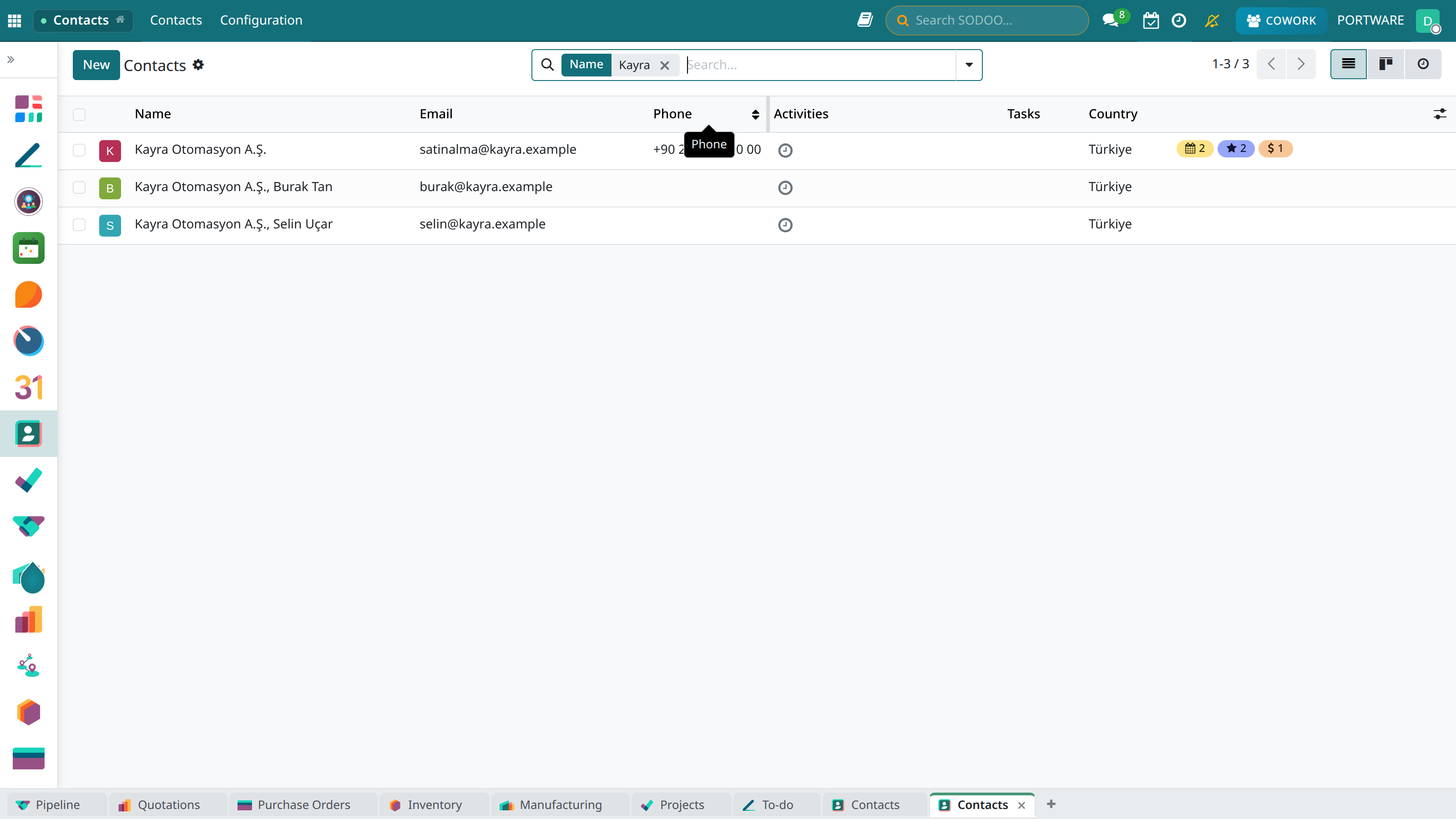
Searching by name in the search box — it stays as a filter as you type
Kanban View
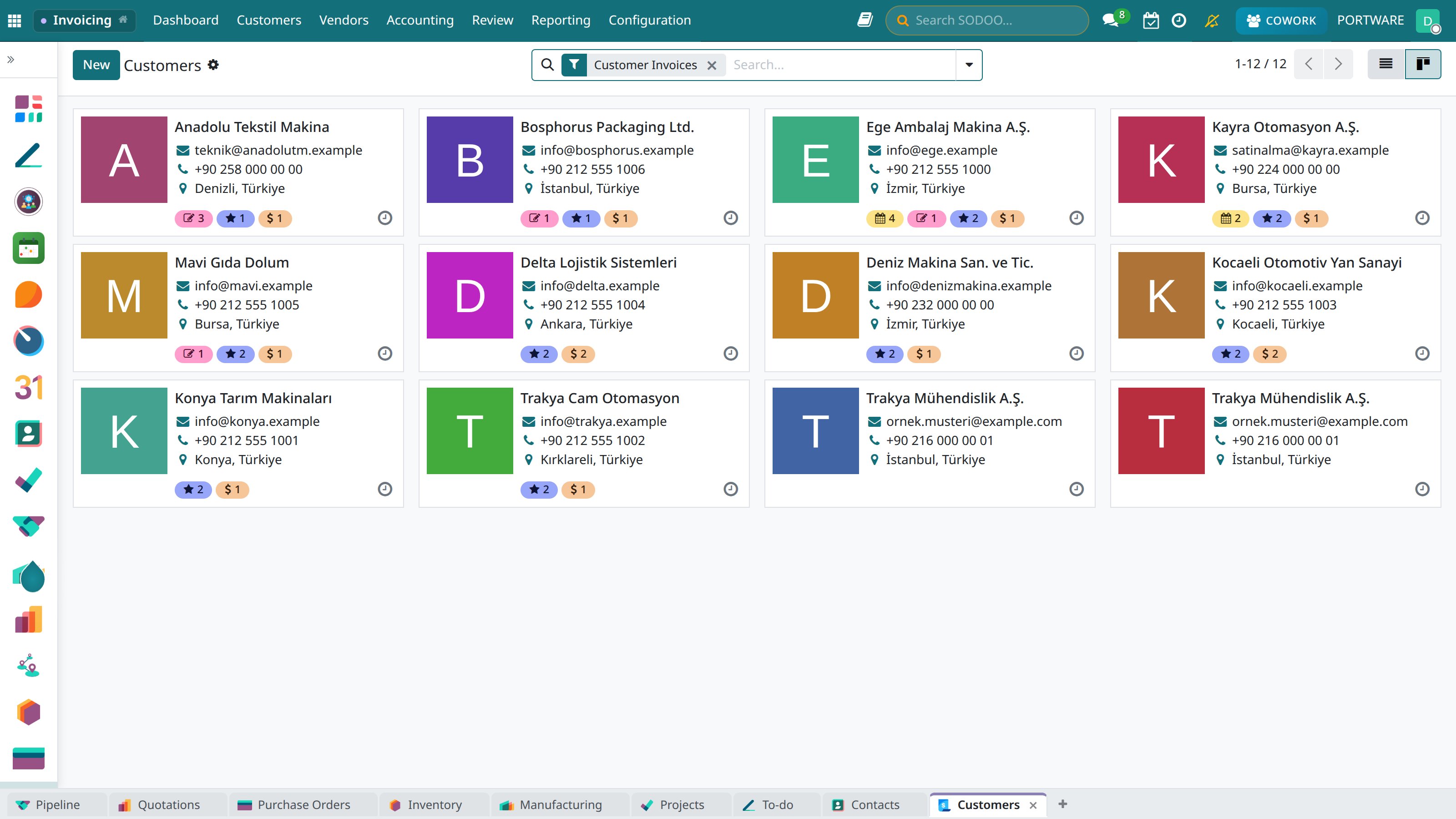
The kanban view - companies as cards
Filter Options
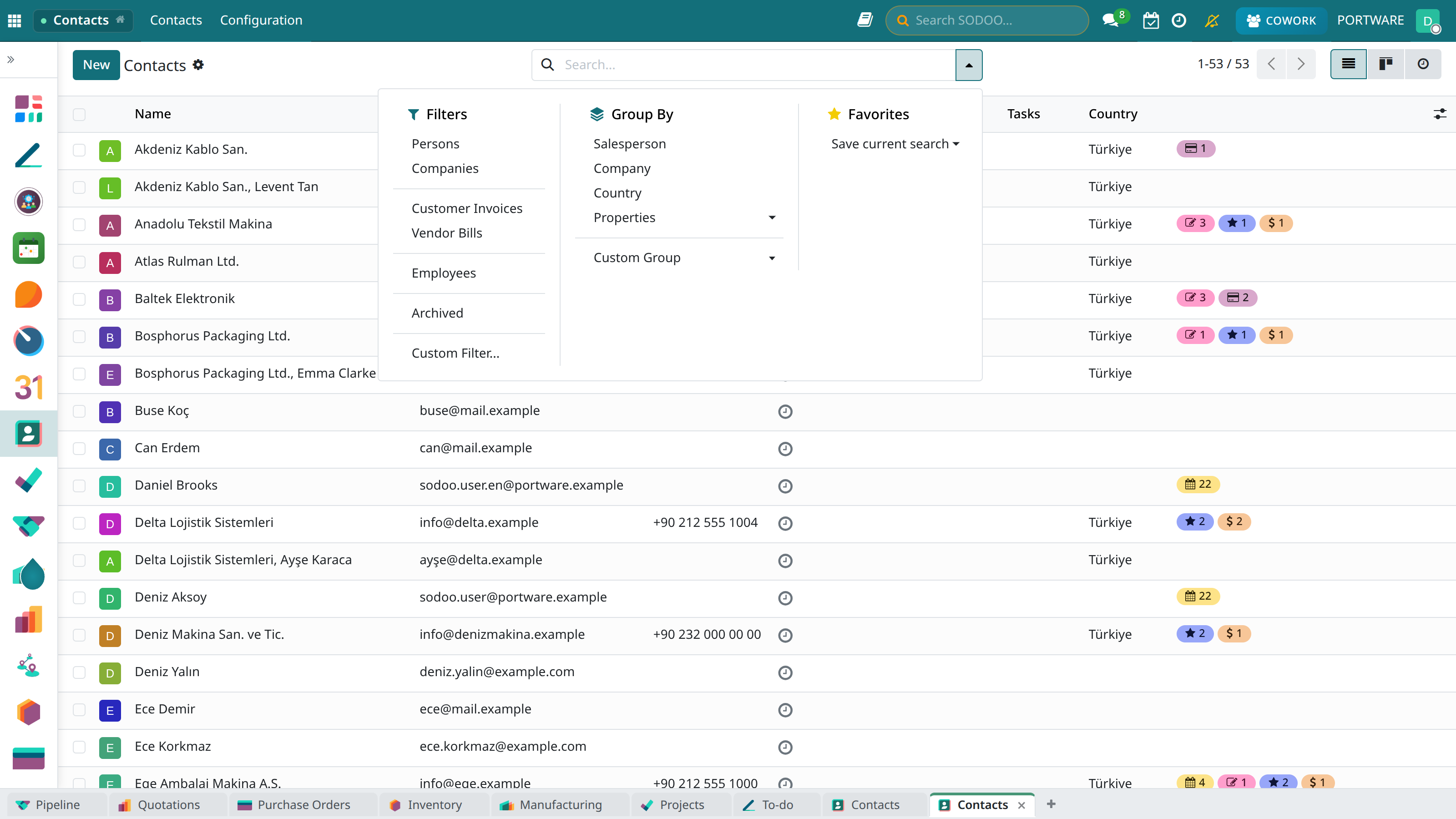
The filter menu — people, companies, customer and vendor invoices, archive; grouping by country and salesperson
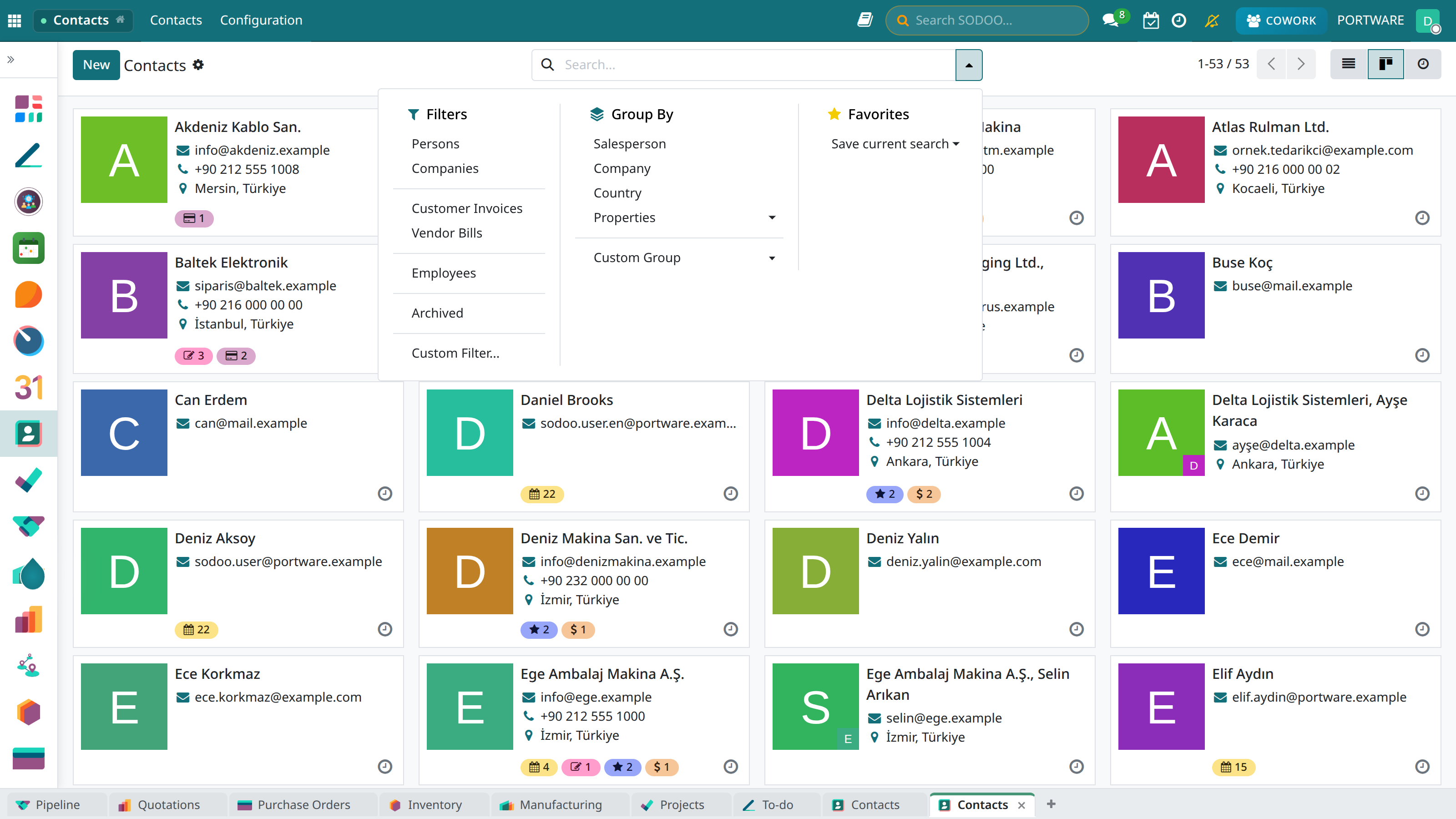
The same filters in the card view — cards with logo and contact details
Import/Export
Importing from Excel
- Contacts → Favourites → Import
- Upload the Excel/CSV file
- Map the columns to SODOO fields
- Check the preview
- Click the Import button
Required Fields
- name: Person or company name
- company_type: "person" or "company"
Export
- Select the contacts you want to export
- Actions → Export
- Choose the fields
- Choose the format (Excel, CSV)
- Download the file
Module Integrations
CRM
Leads and opportunities create a contact record automatically.
Sales
The customer on quotations and orders is chosen from the contacts list.
Accounting
When an invoice is issued, the contact is marked as a customer/vendor automatically.
HR
Employee records are synchronised with the contacts module.