Lesson 10 · Glossary and final check
A Turkish–English glossary of PLM terms, a concept map and a ten-question final check.
Goal of this lessonTo see every concept of the course in one place and check yourself with ten questions.
Glossary
| Term | Turkish | Meaning |
|---|---|---|
| Engineering code | Mühendislik kodu | The part's number; never changes. |
| Revision | Revizyon | The part's version: 0, 1, 2… Code + revision = one design. |
| Engineering state | Mühendislik durumu | Draft, Confirmed, Released, Under Modify, Obsoleted. |
| Release | Yayın | Making the part valid and locked for purchasing and production. |
| Document | Belge | A file linked to a part; has its own code, revision and state. |
| Check-out / check-in | Check-out / check-in | Locking a document while editing / saving it back and unlocking. |
| EBOM | EBOM | The bill of materials as designed (from CAD). |
| Normal BoM (MBOM) | Normal BOM (MBOM) | The bill of materials as production builds it. |
| Spare BoM | Yedek BOM | The parts sold as spares. |
| Where-used | Kullanıldığı yer | Every assembly a part is a component of. |
| ECR | ECR | Change request: why, impact, decision. |
| ECO | ECO | Change order: what is done, from when. |
| Impact analysis | Etki analizi | The assemblies, running work and stock a change reaches. |
| Effectivity | Geçerlilik | When the new revision replaces the old one: a date, a serial number or a lot. |
| Baseline | Baseline | A frozen copy of a released structure; never changes afterwards. |
| Access node | Erişim düğümü | The tree that separates documents by company and department. |
| CMII | CMII | The problem → request → order → implementation closed loop. |
Its counterpart in the app
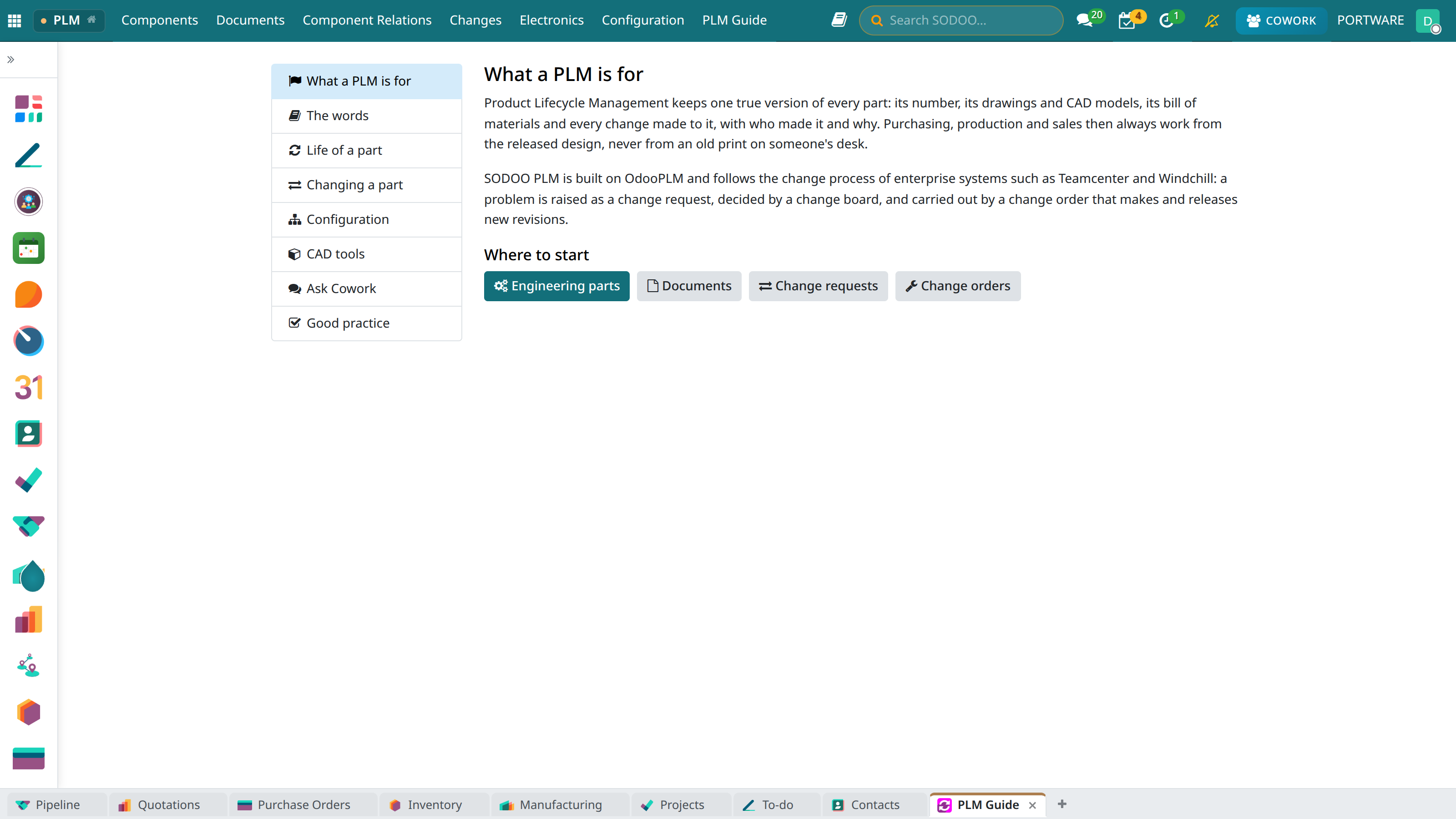 123
123- The words section is a short form of this glossary.
- The chosen section.
- Goes straight to the screens.
Caution: one word per concept
This course, the PLM Guide in the app and Cowork's PLM knowledge base use the same words. Use the same ones in your team: when “version”, “issue” and “rev” get mixed, the wrong part is built.
Mini case: the new engineer
- Task
- Finishes this course and makes a first change.
- Check
- At least 8 of the 10 final questions right; otherwise the matching lesson again.
Final check
1. A released drawing has a mistake. First step?
Raise a change request with Request a Change.
2. While the bracket's rev 1 is in work, which revision does production use?
Rev 0 (Under Modify, valid).
3. A new plate with a different hole pattern: code or revision?
A new code: it does not fit in place of the old one.
4. Who sees Release Component?
Release users, while the part is Confirmed.
5. How does a checked-out document affect a release?
It stops the release; check in first.
6. How do you see every parent assembly of a part?
Check Product Change Impact from the action menu.
7. Why is the impact level High?
There is an open manufacturing order, purchase or sale line.
8. To rework a rejected request and resend it?
Reset to Draft, rework, Submit.
9. Which state does the request reach after Apply?
Implemented (once all its orders are done).
10. Which tool opens an IGES file in the browser?
The CAD Viewer.