Lesson 2 · Membership and dues
Dues product, invoice, payment, arrears.
Goal of this lessonTo follow dues through invoices and payments, and find members in arrears with one filter.
Define dues as a product
Create a service product called "2026 Annual Dues" with its amount. Different amounts, such as student or honorary members, are separate products or a pricelist.
Issue the invoice
Create a customer invoice for the member in Invoicing. Invoicing every member at the start of the period in one go is an action tailored during setup.
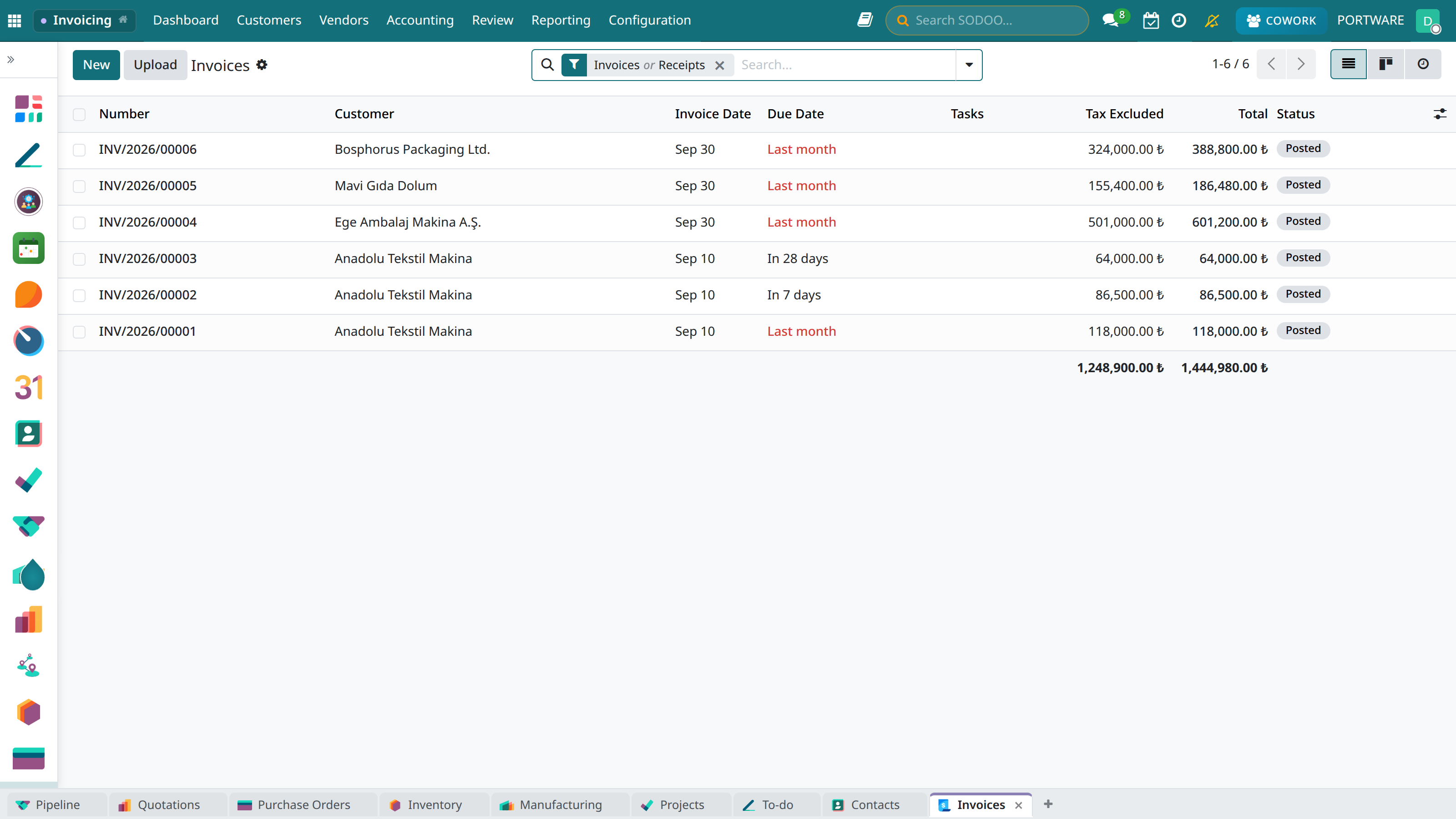
Invoices: an association's dues invoices sit in this list too; the payment status shows on every line.
Match the payment
A transfer arrives with the bank statement and is matched to the invoice; cash goes to the cash journal. The invoice turns "Paid" and shows on the member's record.
Find and remind those in arrears
The not-paid filter on invoices lists members in arrears; a reminder goes to them by e-mail or SMS (Lesson 7).
Case: the March dues check
- Question
- How many members have not paid their 2026 dues?
- Answer
- The not-paid filter: 118 invoices; an SMS reminder in one click.