Lesson 4 · Events
Registration page, tickets, desk, survey.
Goal of this lessonTo run an event from the registration page to the check-in and the satisfaction survey on one record.
Create the event
In Events enter the date, the place, the seats and the ticket types (free, member, guest).
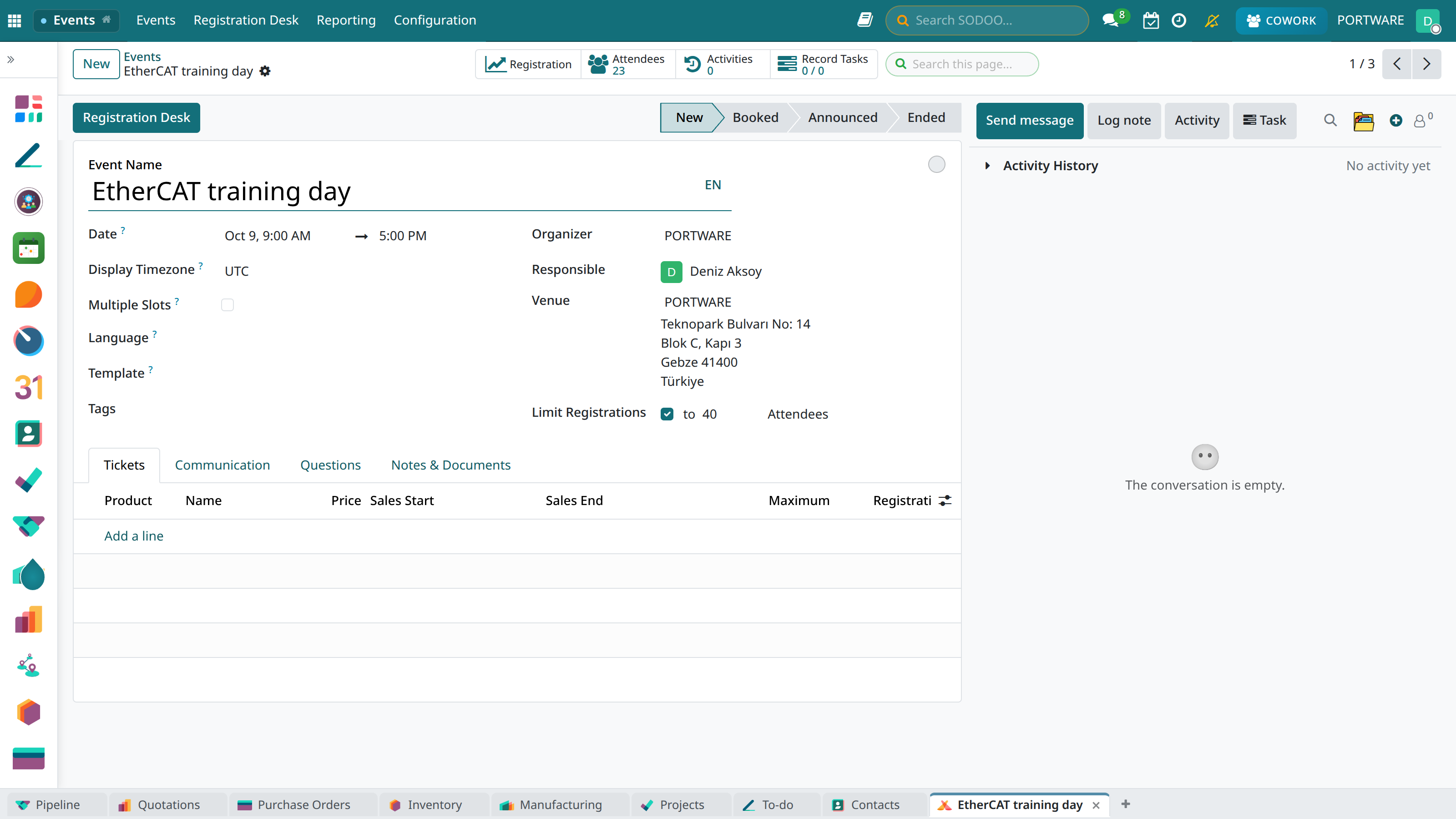
The event form: date, place, organiser, tickets and registrations on one screen.
Publish the registration page
Publish the event on the website; whoever registers lands in the event as an attendee, and the confirmation and reminder e-mails go on their own.
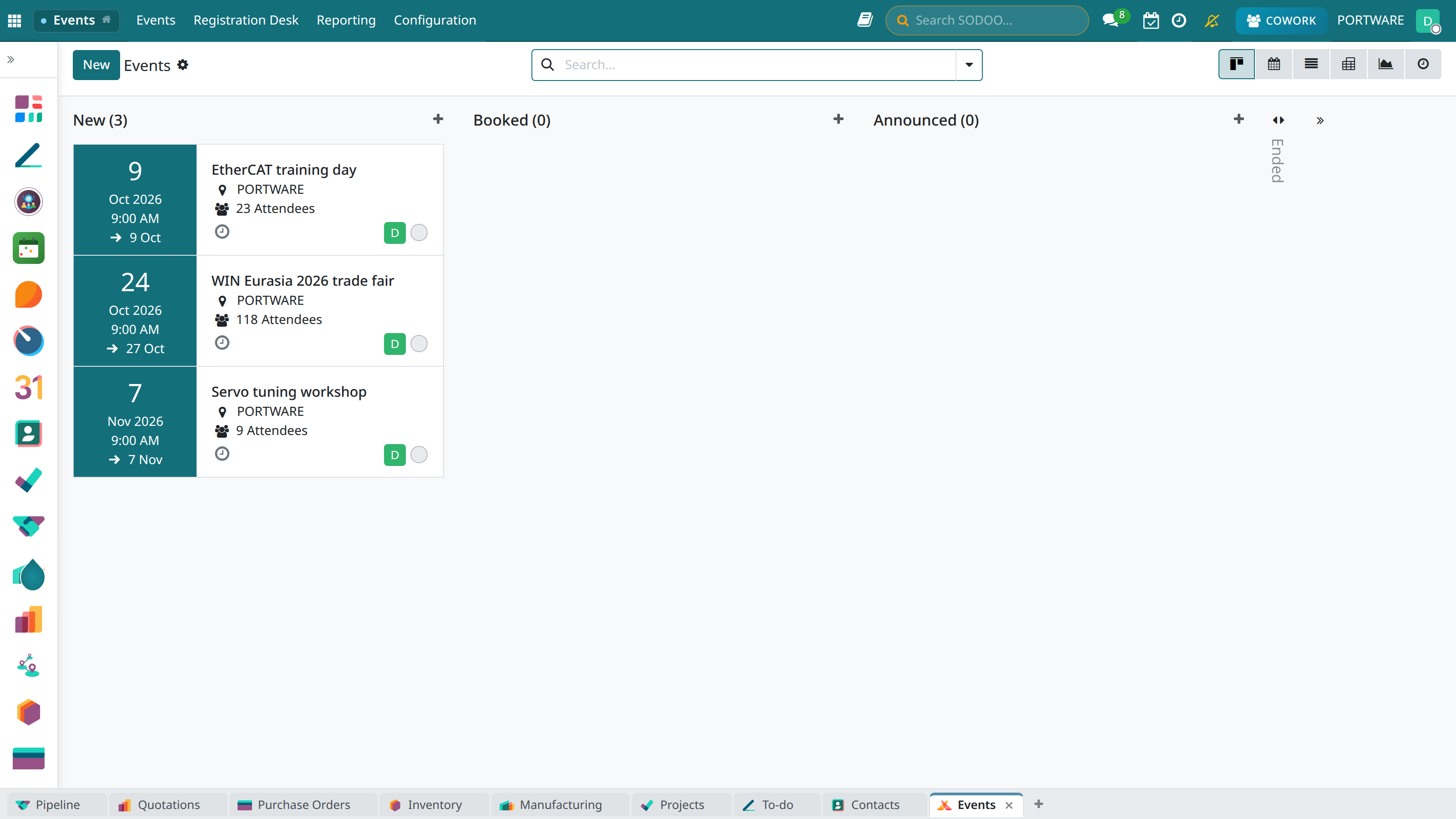
Events: date and registrations on each card. An association's workshops, general assembly and gala are followed here.
Check people in at the door
On the Registration Desk screen an attendee is searched or their ticket scanned; badges print from the event.
Send the survey
A satisfaction survey is built in Surveys and sent to attendees; the answers are reported.
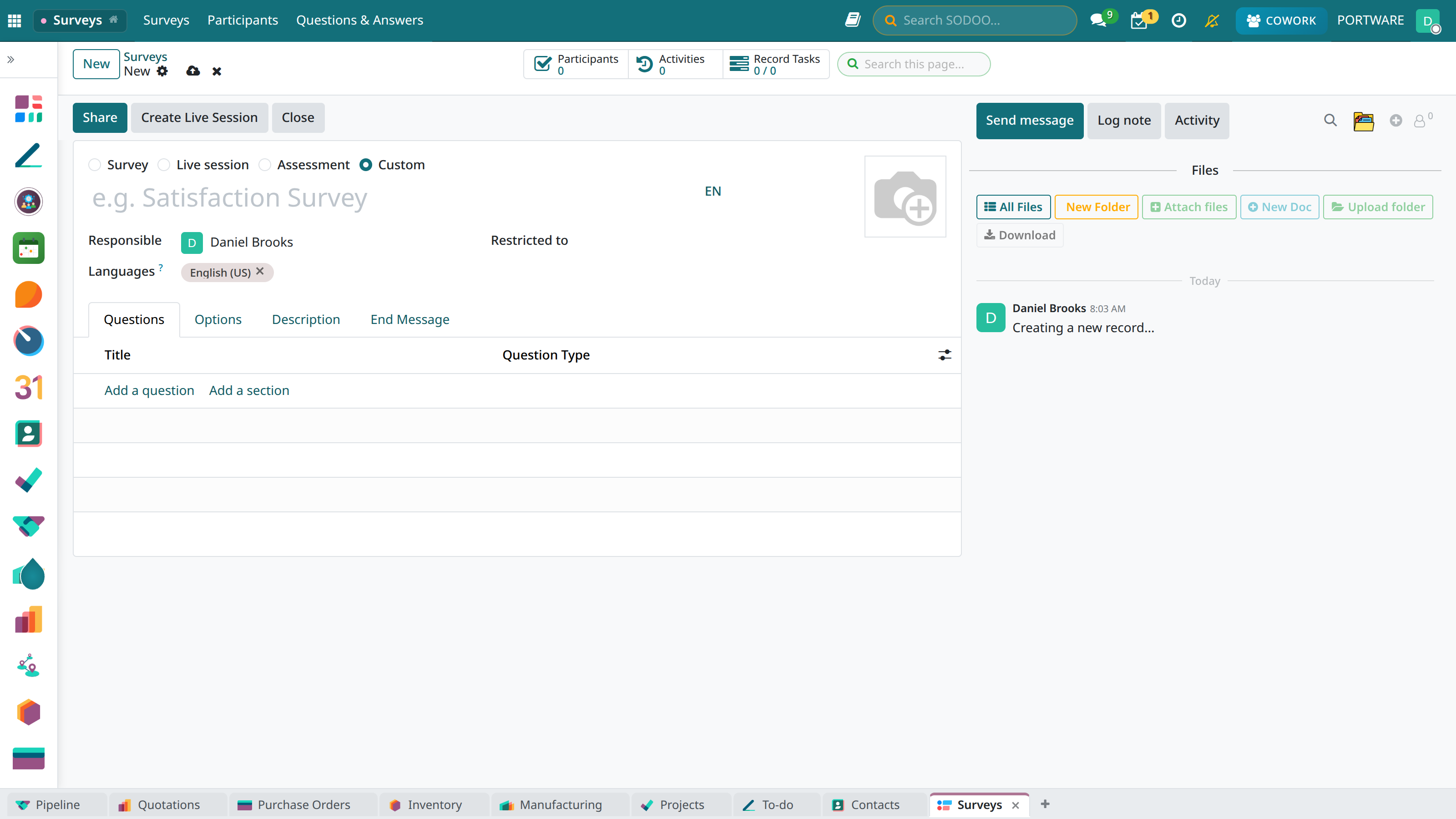
The survey editor: questions, scoring and who receives it.
Case: the reading workshop
- Seats
- 30 children; the list closes at the 34th sign-up.
- Result
- 27 checked in; survey score 4.6 / 5.