Attendance
The SODOO Attendance module lets you record employees
What You Will Learn in This Section
- Ways to create check-in/check-out records
- Calculating and reporting working hours
- Tracking overtime
- Kiosk mode and biometric integration
Overview
The SODOO Attendance module lets you record employees' check-in and check-out times, calculate working hours and produce time reports.
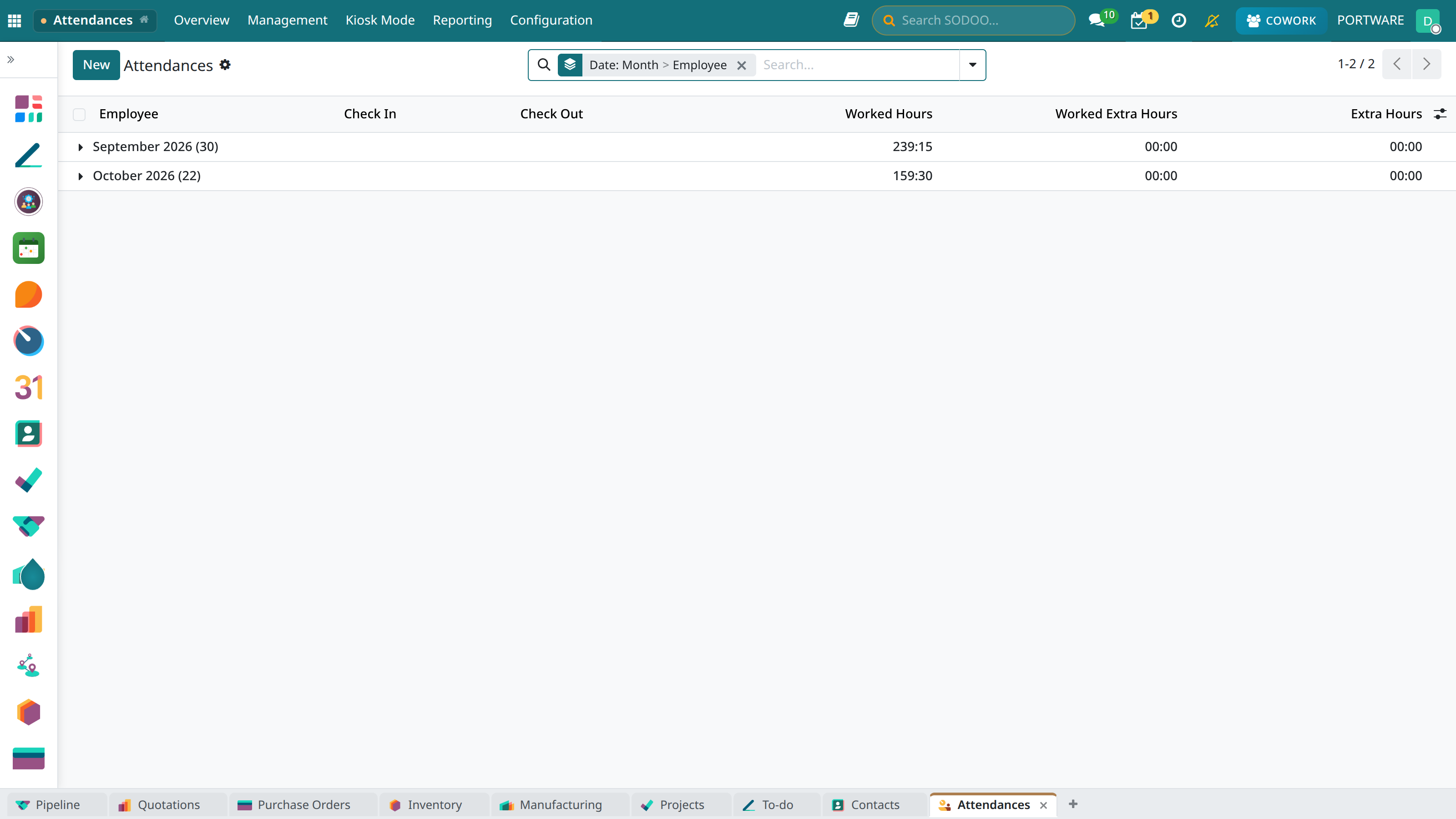
Attendance - employee check-in/check-out records
09:15:32
✓ Checked In - Working Time: 4h 23m
Check Out
Kiosk Mode
Quick check-in/check-out with a PIN or barcode on a shared terminal.
Mobile App
GPS-supported mobile check-in/check-out for field staff.
Biometric
Integration with fingerprint and face-recognition devices.
Reporting
Daily, weekly and monthly working-hour reports.
Check-in/Check-out Record
Manual Check-in
- Go to the Attendances → Check In/Out menu
- Click the Check In button
- The system records the date and time automatically
- At the end of work click the Check Out button
Kiosk Mode
For several employees checking in on a shared terminal:
- Go to Attendances → Kiosk Mode
- The employee enters their PIN or scans their badge
- The system creates the check-in/check-out record automatically
Working Time
- Daily time: Calculated from the difference between check-in and check-out
- Breaks: Can be deducted automatically or manually
- Overtime: Time exceeding the defined working hours
Attendance Reports
- Daily timesheet: Each employee's daily check-in/check-out times
- Monthly summary: Total working days and hours
- Late arrivals: Those checking in after the defined start time
- Early leavers: Those leaving before the end of the working day
- Absence: Those with no check-in at all
Payroll Integration
Attendance records can be used in the payroll calculation. For calculating pay by days/hours worked it works integrated with the hr_payroll_community module.
Configuration
Working Schedule
Settings → HR → Working Schedules
- Weekly working days (Monday–Friday)
- Daily working hours (09:00-18:00)
- Breaks (12:00-13:00 lunch)
Tolerance Settings
- Late arrival tolerance: 5-15 minutes
- Early leave tolerance: 5-10 minutes
- Rounding: Round to the nearest 15 minutes