Lesson 3 · Donations and donor relations
Online giving, donor record, sponsor pipeline.
Goal of this lessonTo take donations on the website, post each one to the donor's record and follow major donors along a pipeline.
Add the donation block
In the Website editor, drag the donation block onto the page and set the suggested and free amounts. Payment arrives by bank transfer or a configured payment provider.
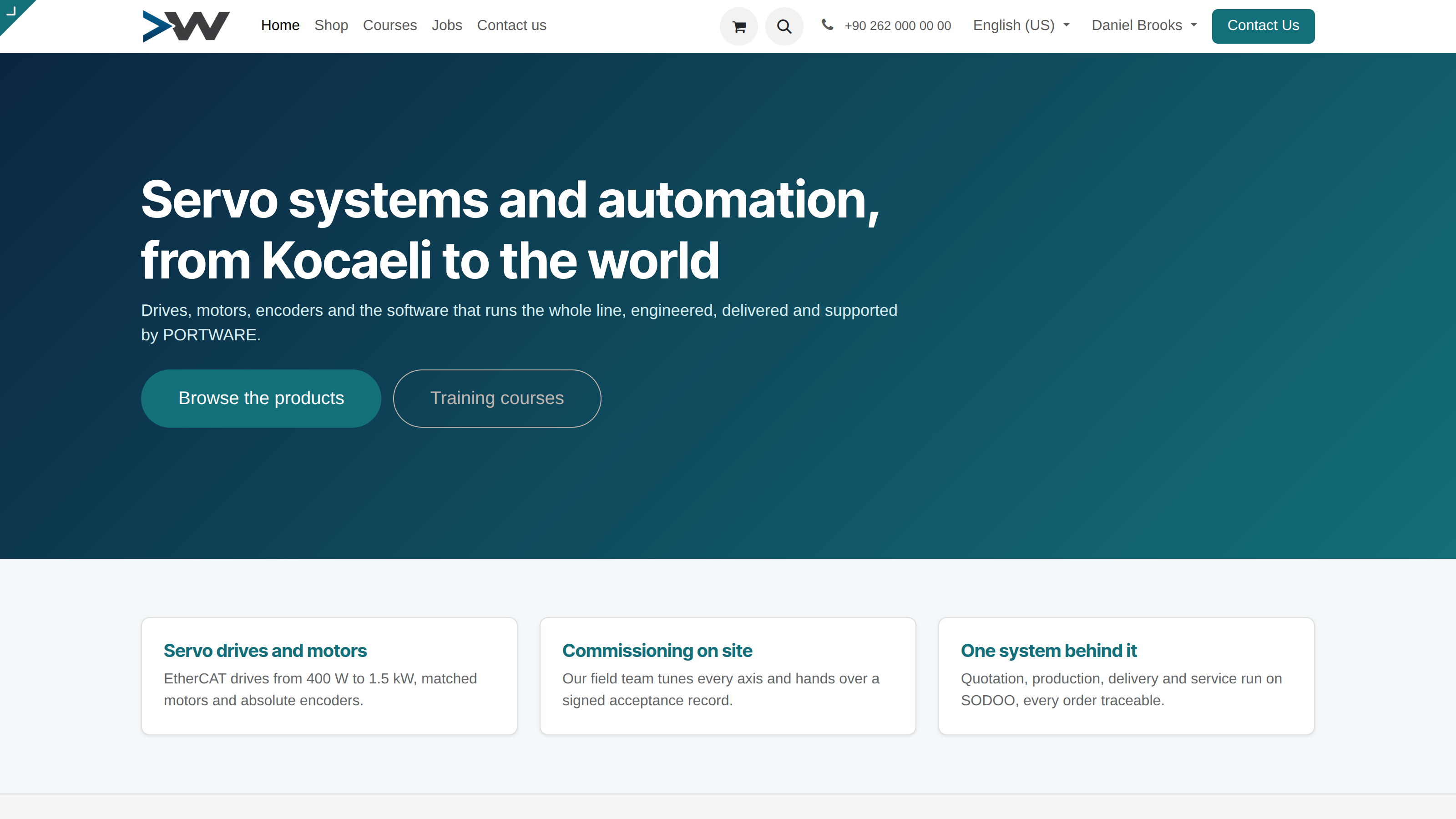
The website is part of the same system: the donation block and event registration pages run from it.
See the donation on the record
When the payment arrives it links to the donor's contact record and is posted as donation income. Donations by bank transfer are matched to the same record from the statement.
Put a major donor on the pipeline
Corporate sponsors and major donors are followed in CRM as opportunities: stages, expected amount, planned activities and meeting notes.
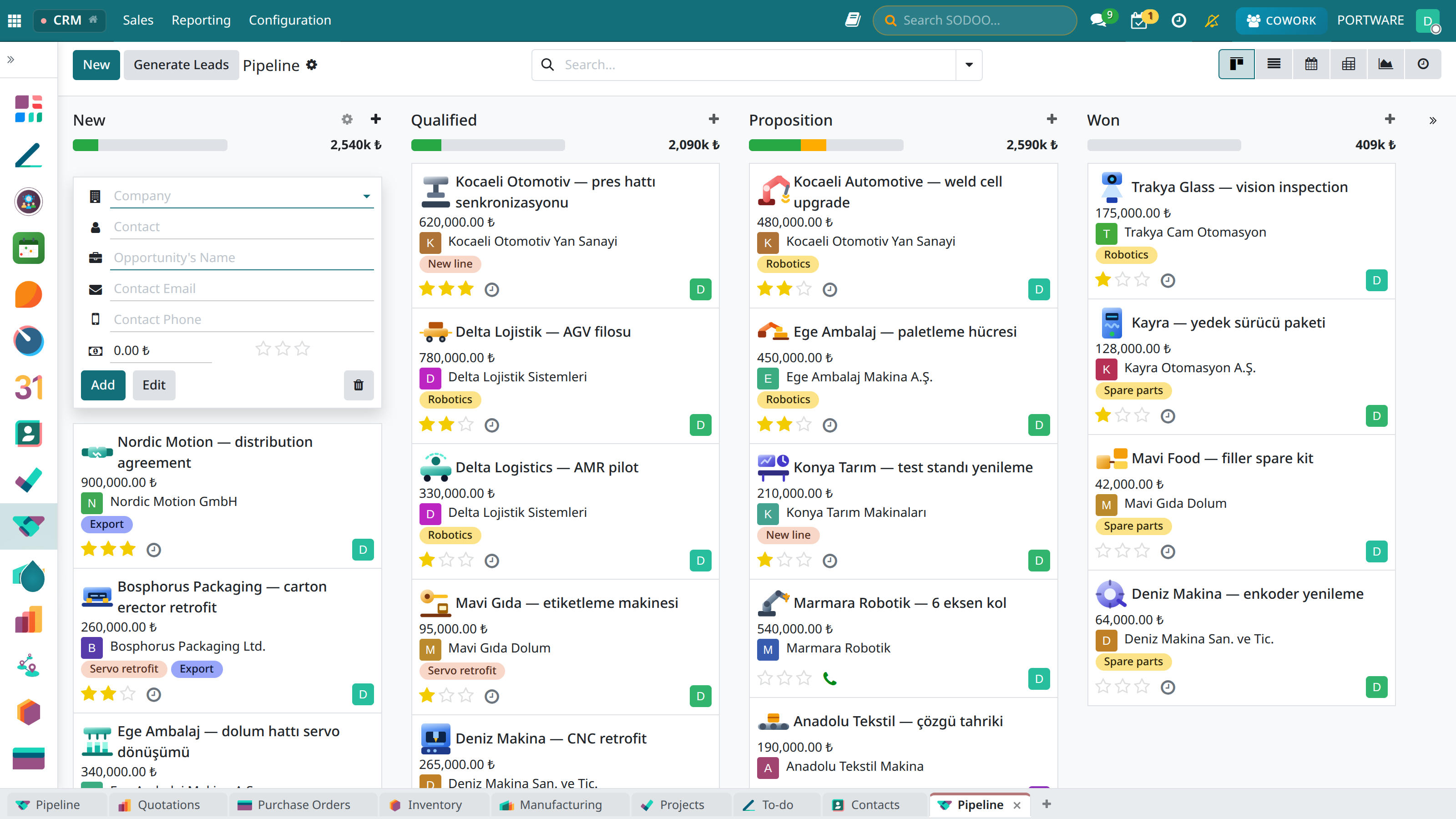
The CRM pipeline: in an association the columns become Prospect → Meeting → Proposal → Pledge.
Say thank you
The thank-you e-mail and receipt go from the donor's record; at year end a letter with each donor's total goes to everyone through a filter.
Case: the book campaign
- Goal
- ₺300,000 for 2,000 books in October.
- Flow
- Website donation block + SMS announcement; every donation on the record at once, the total live.