Discuss / Communication
The mail module is SODOO
What You Will Learn in This Section
- Messaging and creating channels
- Direct messages and group chats
- File sharing and the mention system
- E-mail integration and notifications
Overview
The mail module is SODOO's internal communication platform. Centralise team communication with a Slack-like channel system, direct messaging, file sharing and record-linked discussions (chatter).
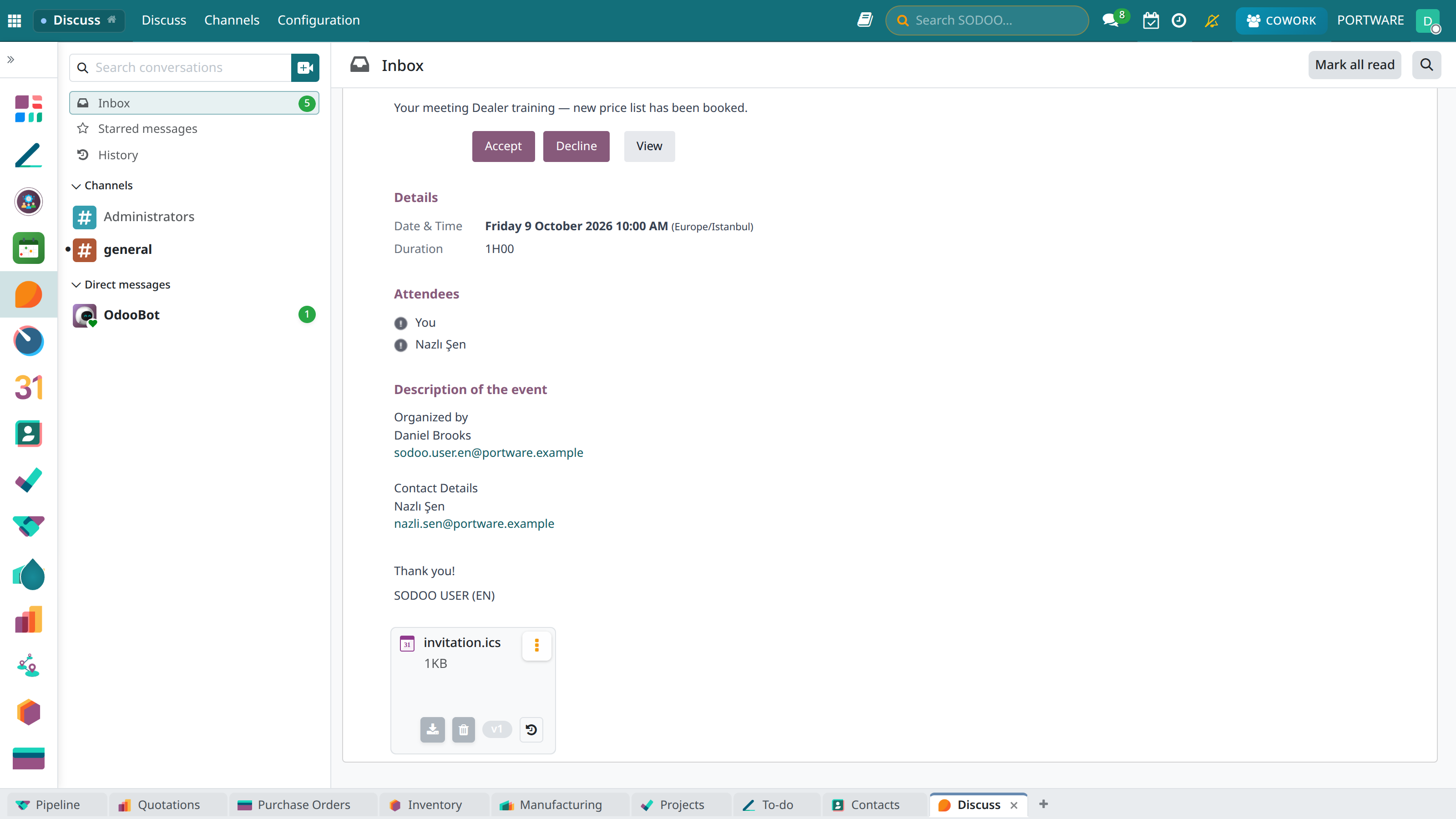
Discuss - the general channel chat view
Channels
Chat rooms organised by project, department or topic.
Direct Message
Private messaging between people.
Mention System
Quick notification with @user or @channel.
File Sharing
Sharing documents, images and files.
Messaging
Example Channel Conversation
general-announcements
Message Features
- Rich text: Bold, italic, lists, code blocks
- Emoji: Add expression with the emoji picker
- Reactions: Emoji reactions to messages
- Thread: A reply chain under a message
- Pin: Pinning important messages
- Star: Adding to favourites
Channels
Channel Types
# general-announcements
45 members • Public
# sales-team
12 members • Public
🔒 board
5 members • Private channel
Creating a Channel
- Open the Discuss module
- Click the + Create Channel button in the left panel
- Enter the channel name
- Choose the privacy setting (Public / Private)
- Add a description (optional)
- Invite the members
Info
All users can join public channels. Private channels can only be seen by those invited.
The Mention System
Using Mentions
@user- Notify a specific person@channel- Notify everyone in the channel@everyone- Notify everyone in the company#channel- Reference to a channel
Notification Preferences
You can set notifications separately for each channel:
- All: A notification for every message
- Mentions: Only when you are mentioned
- None: No notifications (silent mode)
Chatter (Record Discussions)
Every SODOO record has a communication area below it:
Chatter Features
- Message: A discussion about the record
- Log note: An internal note (only employees see it)
- Activity: Task and follow-up planning
- Followers: The people following the record
- History: The full change log
Tip
Messages sent to a customer are delivered as e-mail automatically. Internal notes stay only in the system.
E-mail Integration
Incoming E-mail
- E-mails are linked automatically to the related record (lead, sale, support)
- Replies are shown as a thread
- Attachments are saved automatically
Outgoing E-mail
- Sending e-mail directly from the chatter
- Using e-mail templates
- Follow-up reminders
Mobile App
Reach the Discuss features from anywhere with the SODOO mobile app:
- Push notifications
- Writing and replying to messages
- File sharing
- Viewing messages offline