Lesson 6 · Volunteers and tasks
Tasks, calendar, timesheets, thanks.
Goal of this lessonTo give volunteers tasks, record their time and make their contribution visible at year end.
Assign the task
Open the "Saturday book delivery" task in the project, assign the volunteer, give it a date.
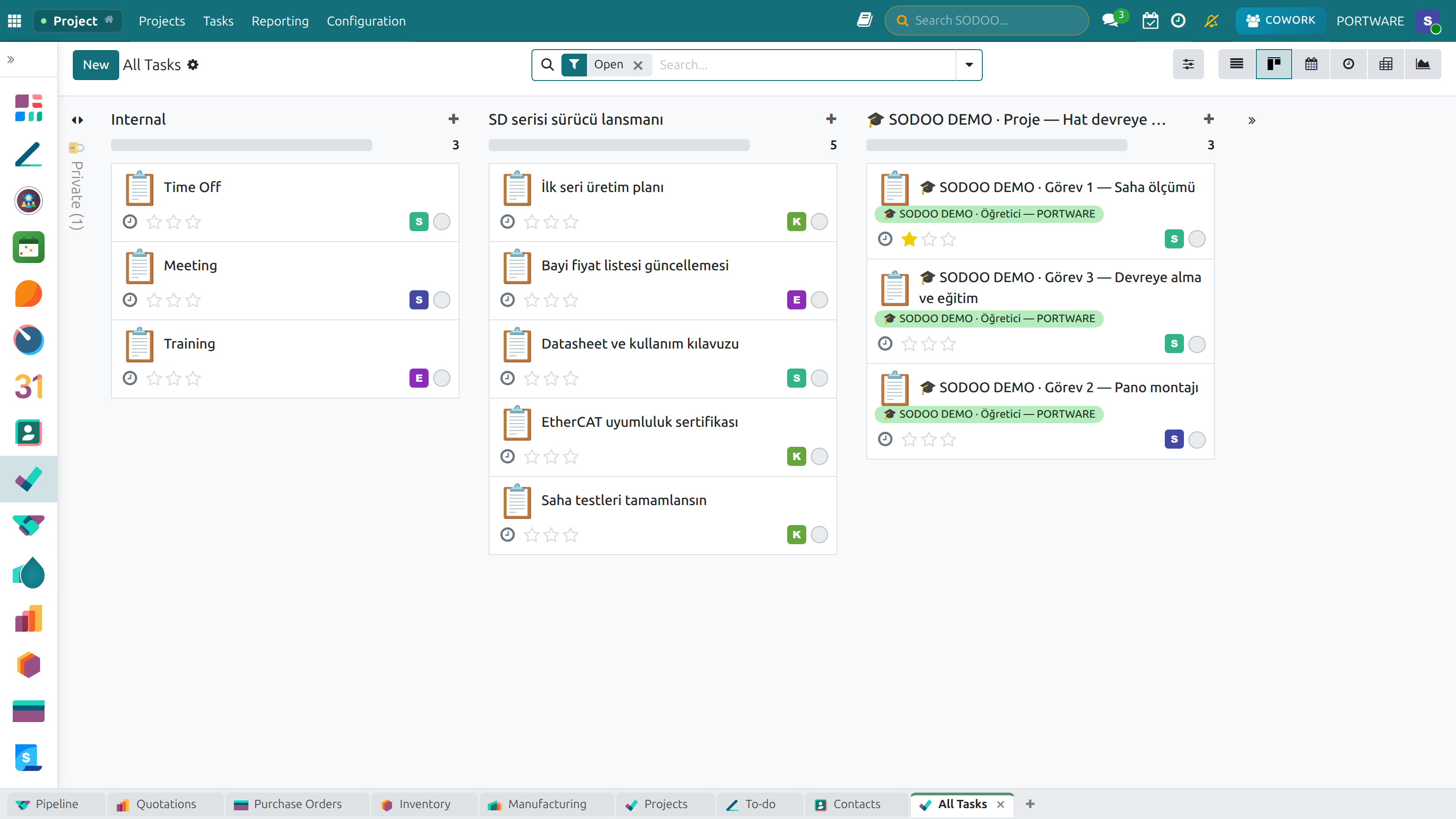
Tasks stage by stage: waiting, in progress, done. Volunteers see their own tasks here.
Record the hours
The volunteer's time is written on the task's timesheet; Timesheets shows the totals.
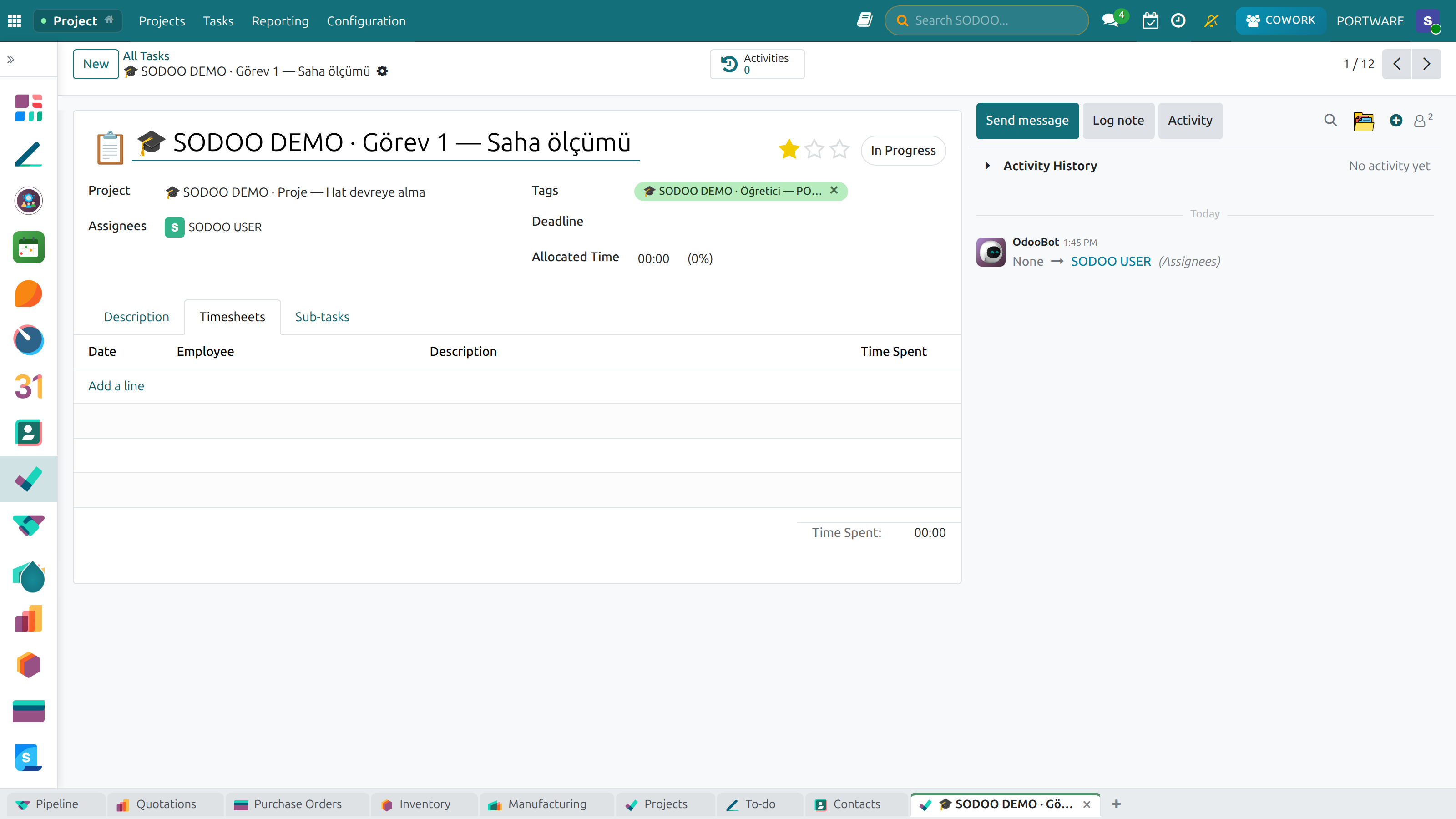
The task's timesheet: who, which day, how many hours.
Meet in the calendar
Shifts and trainings are meetings in Calendar; invitations and reminders go on their own.
Should a volunteer be a user?
Not every volunteer needs to log in. The coordinator can enter the hours; a regular volunteer gets a user with limited rights.
Case: year end
- Report
- 40 volunteers, 1,260 hours; certificates for the five who gave the most.
Check yourself
Where are volunteer hours written?
On the task's timesheet.