Lesson 1 · People: members, donors, volunteers
One person, several roles; tags and filters.
Goal of this lessonTo keep members, donors, volunteers and institutions in one contact record and get each role's list in one click.
Open the person once
In Contacts, open the person or the institution with New. An institution (municipality, school, sponsor company) is a company, and its people are contacts under it.
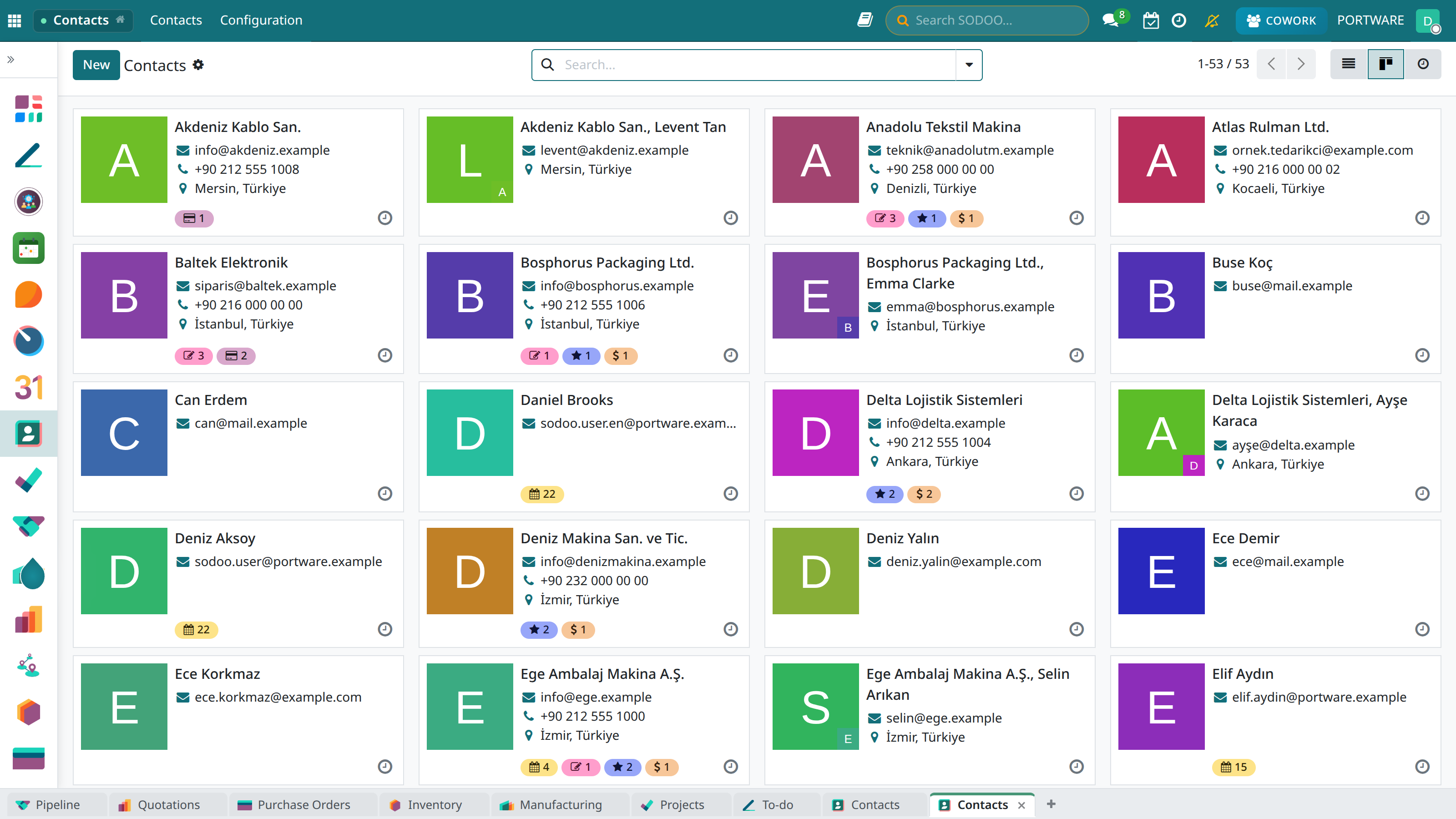
Contacts: each card is a person or an institution. In an association these are members, donors and partner institutions.
Give the role as a tag
Add tags such as Member, Donor, Volunteer, Board in the Tags field. A person can carry several tags.
Get the list from a filter
Filter or group by tag in the search bar and save the filter as a favourite. Lists such as "Volunteers" or "2026 members" are made this way.
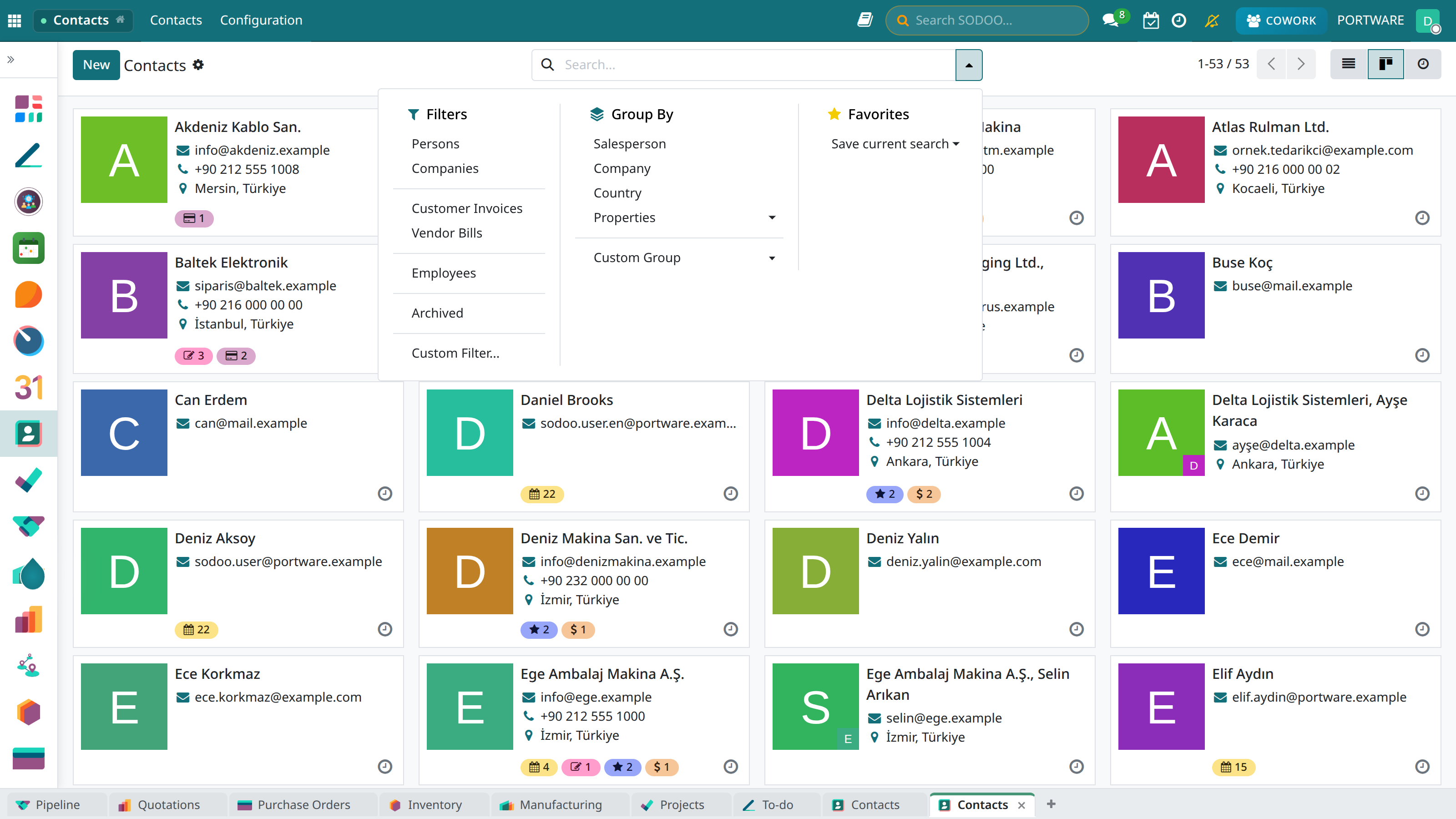
The filter and group-by menu: lists by tag, city or institution in one click.
Attach documents to the record
Membership application forms and ID copies go into the files on the person's record; folder permissions keep them visible to authorised people only.
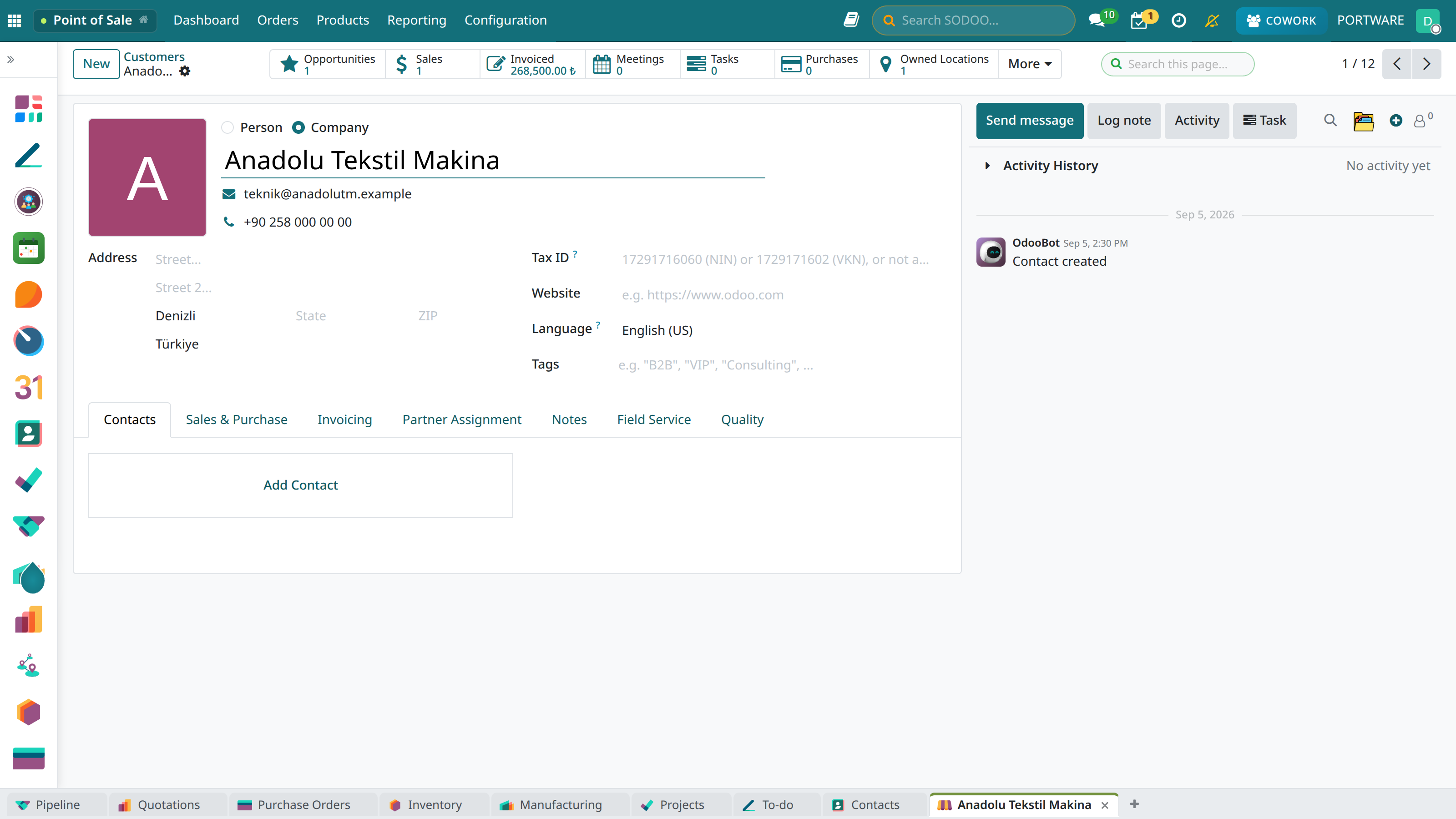
The contact record: files, sales, invoicing and notes in one place.
Case: the same person twice
- Situation
- A donor signed up again with a new e-mail.
- Solution
- The two records are selected in Contacts and merged; donation and dues history meet on one record.